




 Go Pro


AI Image Detector
Upload an image to detect if it was created by an AI image generator. It supports most image formats, including JPG, PNG, and WEBP. Try our AI image detector now!

Upload or drop image here
Supports .JPG, PNG, WEBP max 15MB
What Is an AI Image Detector
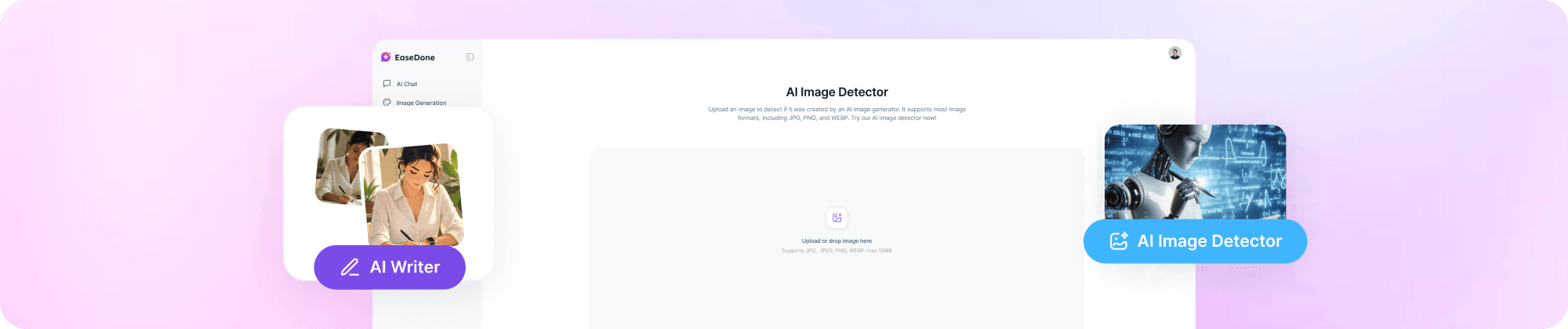
An AI image detector is a tool that checks whether an image was made by a human or created by an AI program. It looks at the visual patterns, textures, and structures inside an image. Then it decides if the image is real or AI-generated. It does not rely on watermarks or hidden data in the file. This makes it useful even when images have been shared or edited online.
What Can You Do with AI Image Detector
You can use EaseDone AI Image Detector to check many types of images.
- Check product photos: You can verify whether product images on online shops are real or AI-generated.
- Verify ID and document images: You can check if an ID card, passport scan, or other document has been altered or created by AI.
- Spot fake receipts: You can review payment receipts and invoices to see if they were generated or edited using AI tools.
- Analyze news images: You can check photos used in news articles or blog posts to see if AI was involved.
- Detect fake profile pictures: You can find out if a profile photo is a real person or an AI-generated face.
- Review edited photos: You can check images that may have been partially changed or enhanced by AI.
- Verify images shared online: You can quickly check photos from social media or messaging apps before sharing them further.
How to Use EaseDone AI Image Detector
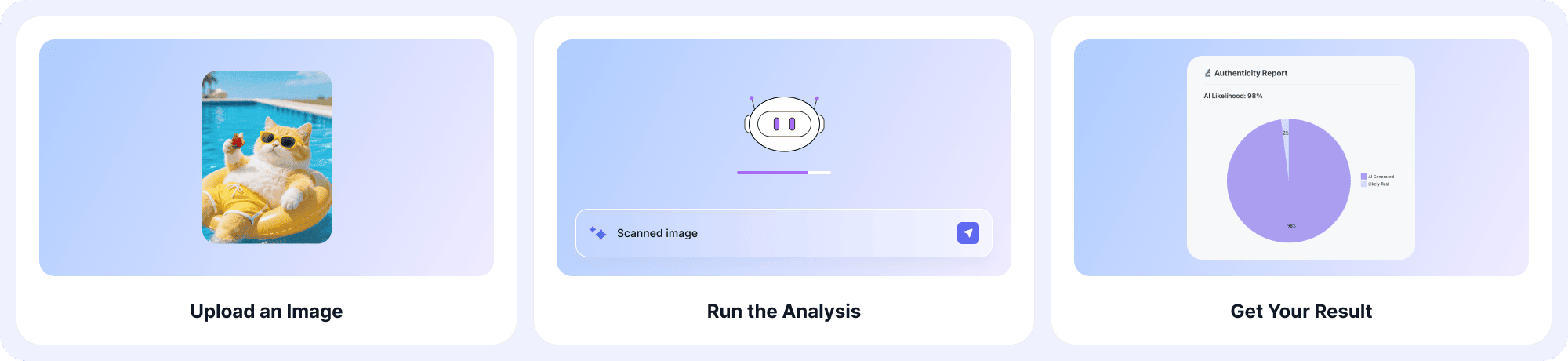
How to use EaseDone AI image detector? Just follow three steps.
Step 1: Upload an Image
Drag and drop an image from your device, or paste a public image link. The tool supports common file types like JPG, PNG, and WebP.
Step 2: Run the Analysis
Click AI Image Detector. The tool scans the image and looks for patterns that are common in AI-generated visuals.
Step 3: Get Your Result
You will see a clear result that tells you whether the image is likely AI-generated or not. Use this result to decide if the image is trustworthy.
Who Can Benefit from EaseDone AI Image Detector
Many people and teams can use our free AI image detector.
- Finance and fraud teams can screen submitted images like receipts and invoices before approving payments.
- Identity verification teams can check ID photos and selfies for signs of AI editing or fake imagery.
- Online marketplace platforms can detect fake product photos, delivery proof, and fraudulent uploads.
- Content moderation teams can review user-uploaded images at scale to keep platforms safe.
- Social media managers can identify AI-generated avatars used in fake accounts or scam profiles.
- Journalists and media teams can verify images before publishing to protect their credibility.
- Everyday users can quickly check any image they see online to find out if it is real.
Why Choose EaseDone AI Image Detector
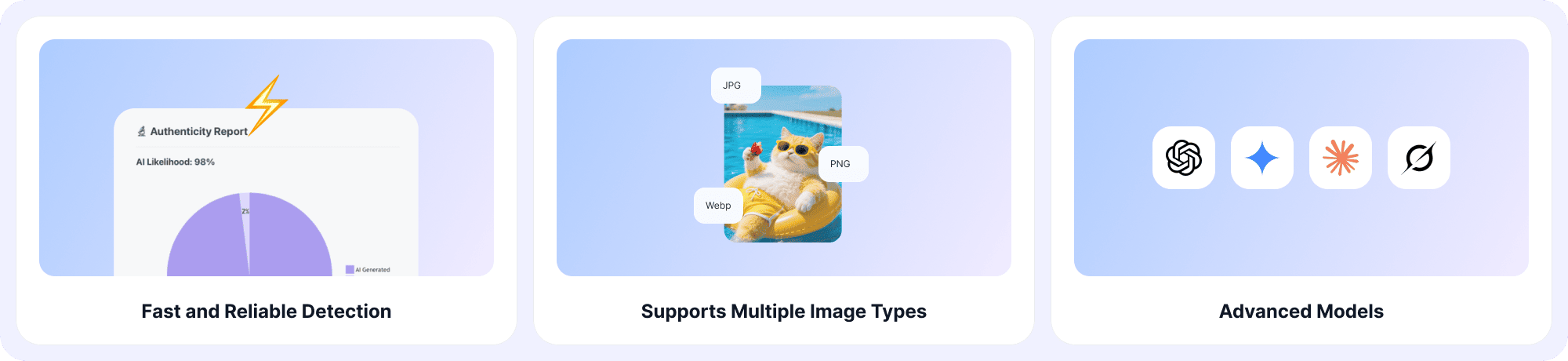
⚡Fast and Reliable Detection
Our free AI image detector gives you results in seconds. You do not have to wait long to find out if an image is AI-generated.
📂Supports Multiple Image Types
You can upload images in many formats, including JPG, PNG, WebP, and more. The tool works with a wide range of file types.
✨Powered by Advanced AI Models
The tool uses machine learning that has been trained on both real and AI-generated images. This helps it detect images from popular AI tools like Gemini, Midjourney, Grok, and others.
🛡️Secure and Privacy
Your uploaded images are processed securely. The online free AI image detector tool does not store or reuse your files after the check is done.
🤝Integreted Other AI Features
EaseDone AI also provides other AI tools, such as AI image generation, AI watermark remover, AI essay writer, AI mind map generator, and so on.
FAQ
💡What is an AI image detector?
AI image detector is a tool that analyzes an image and tells you whether it was created by a human or an AI program.
💡Is EaseDone AI Image Detector free to use?
Yes. You can use it for free for 3 days in your browser. No download or account is needed.
💡Can it detect deepfakes and edited images?
Yes. The tool can identify images that have been changed or manipulated using AI techniques.
💡Does it work without metadata or watermarks?
Yes. The tool does not depend on hidden file data or watermarks. It works even if those have been removed.
💡What AI image generators can it detect?
It can detect images made by tools like DALL-E, Midjourney, Stable Diffusion, Ideogram, Flux, Bing Image Creator, and more.
💡Can it detect AI artwork and illustrations?
Yes. It can identify AI-generated drawings, designs, and creative images as well as photos.