




 Go Pro

AI Image Editor
Edit photos with simple text prompts. Use AI generative fill to add objects, replace elements, or change clothes instantly. Just type what you want to see.


Upload or drop an image(0/1)
PNG, JPG(max 20MB)
EaseDone AI - All-in-One AI Assistant for Everyone
Powered by advanced AI models such as Gemini, GPT, Claude, Qwen, etc., EaseDone AI makes your daily work easier without switching applications. Chat with AI to generate images, write essays, solve math problems, analyze files & images, create visuals, and so on.

Trusted by millions of users worldwide


Free AI Image Editor with Prompt
Instantly edit photos using text prompts. Use AI-generated fills to add/remove objects, replace clothing, restore faces, or remove distracting elements. No Photoshop skills required.
Edit Specific Areas with AI
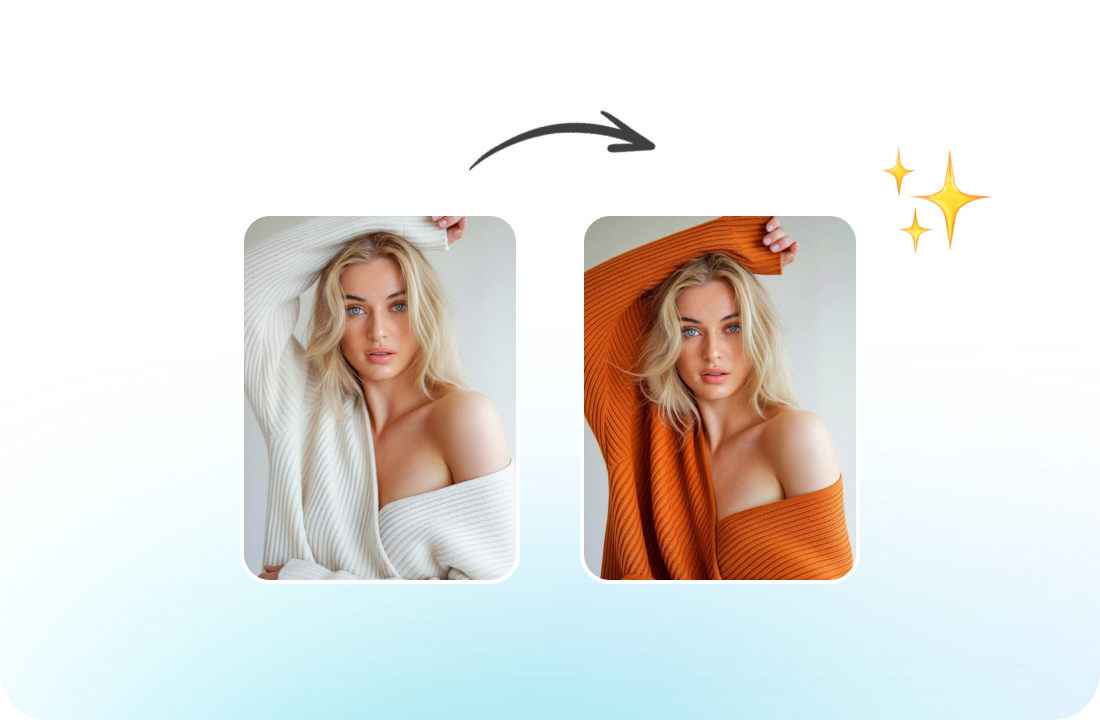
Modify specific regions of a photo based on text descriptions. You can change a model's outfit, add sunglasses, change the hairstyle, or fix distorted hands in AI-generated art. You can also repaint the image with our AI, and you can refine details while keeping the rest of the image perfectly intact.
Remove/Add Elements You Need
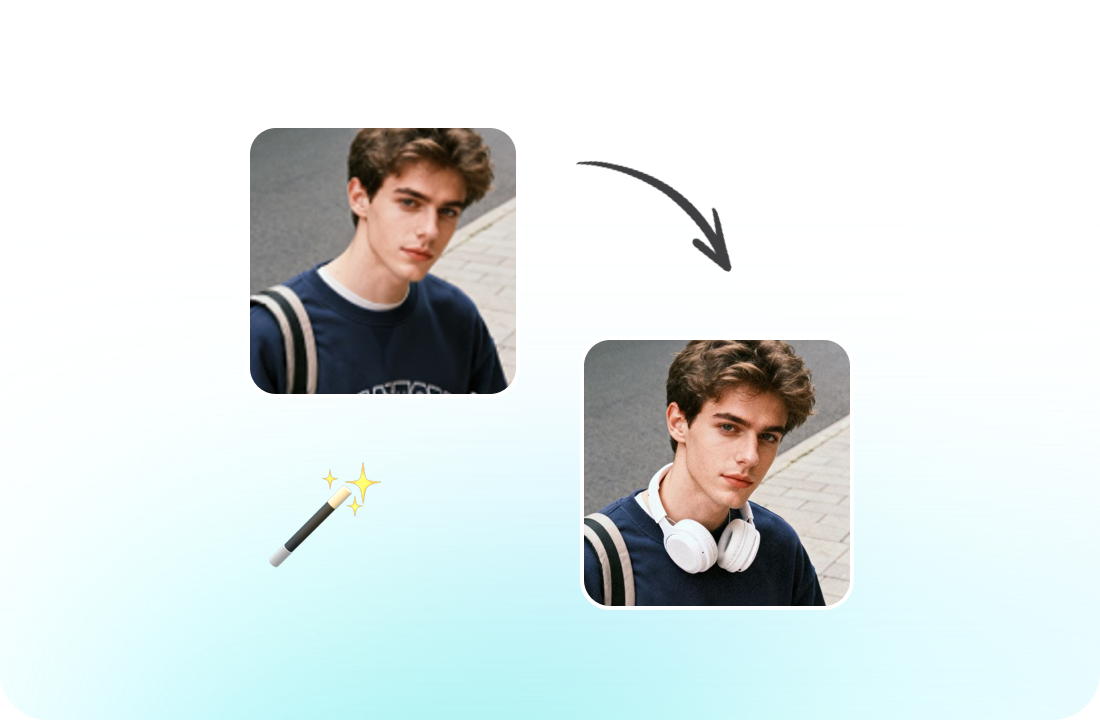
Whether you want to remove backgrounds/watermarks or text from an image, or add missing members to your family photos, the best free AI image editor can do it. Besides, with our AI tool, you can also unlock endless design possibilities with style transfer.
Keep Characters Consistent
Our AI photo editor maintains character consistency between different scenes. No matter how you change poses, clothing, or backgrounds, our free AI image editor keeps your character's face, proportions, and style perfectly consistent in every frame.
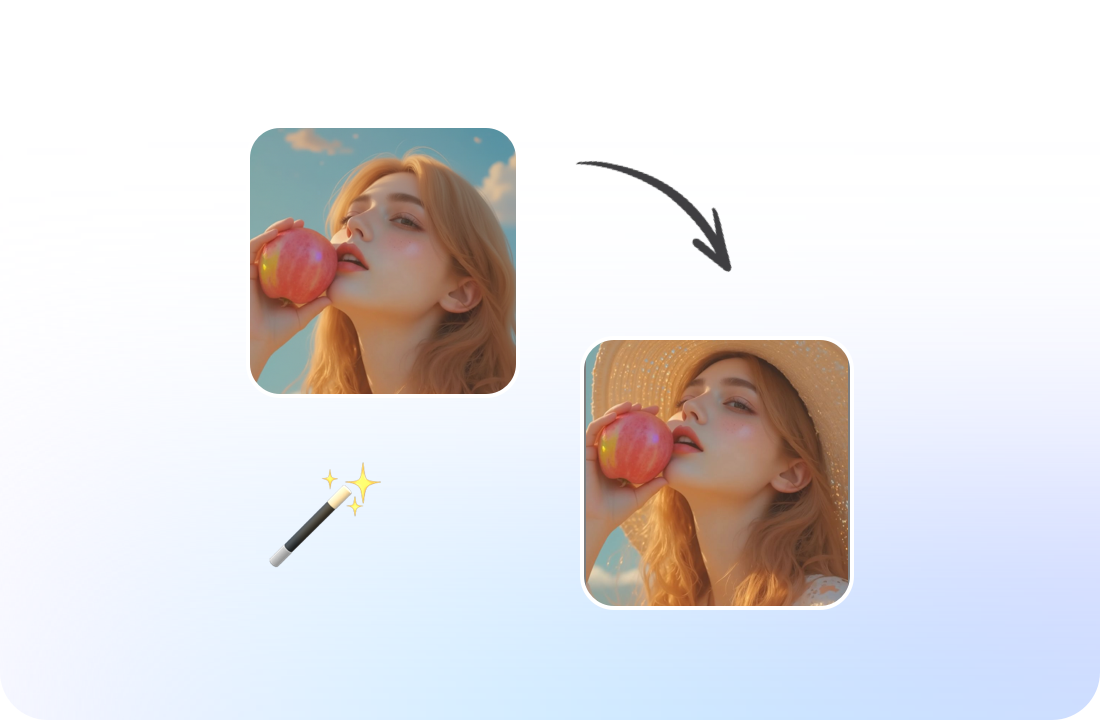
High-Quality Result with Fast Speed
Whether you’re polishing a personal photo or creating imagery for your brand, this AI photo editor lets you get fast, professional-quality results. You can clear out distracting elements from travel shots, swap in a brand-new background for product photos, and craft custom branded visuals for social media content in just minutes.
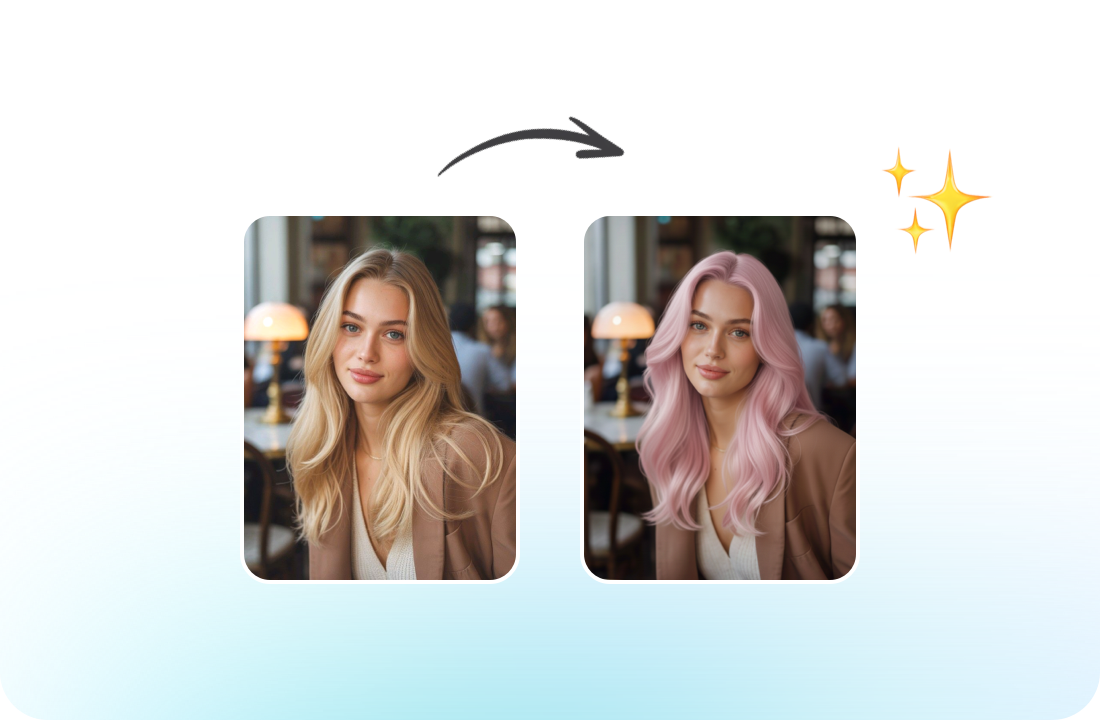
Why Choose Our AI Image Editor
EaseDone AI is the best free alternative to Photoshop Generative Fill. It’s designed for precision, creativity, and speed.
Smart AI for Every Task
Whether you need to remove watermarks or add a hat, each output maintains professional quality. Just chat with AI to generate images and get ideal visuals in one click.

Fix AI Artifacts
AI generators often struggle with hands and faces. Our tool is perfect for fixing distorted hands, asymmetrical eyes, or extra limbs in Midjourney or Stable Diffusion outputs.

Seamless Text-to-Edit
No need to draw or clone. Just use natural language prompts like "add a red tie" or "remove the messy cables." The AI understands your intent.

Fast & Web-Based
No need to download heavy software like Photoshop. Access professional AI inpainting tools directly in your browser and download high-quality results instantly.
How to Use AI Image Editor
Edit and transform your photos in 3 simple steps.
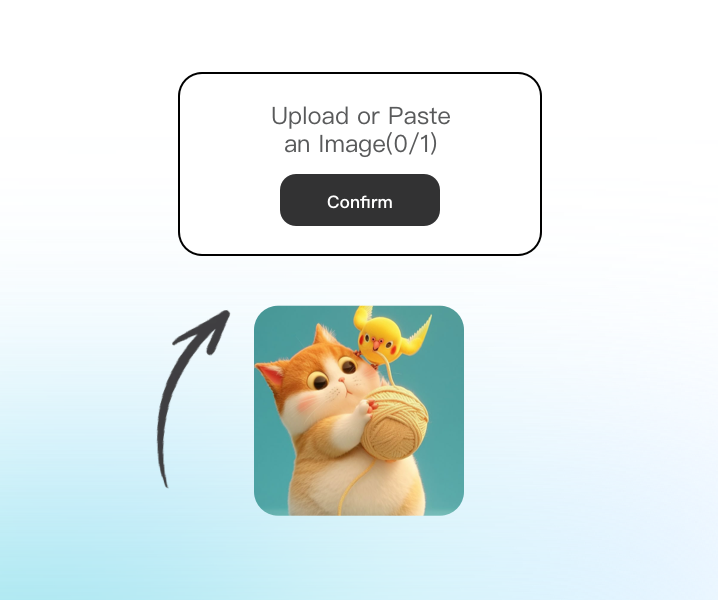
Step 1: Upload the Image
Upload the image you want to modify.
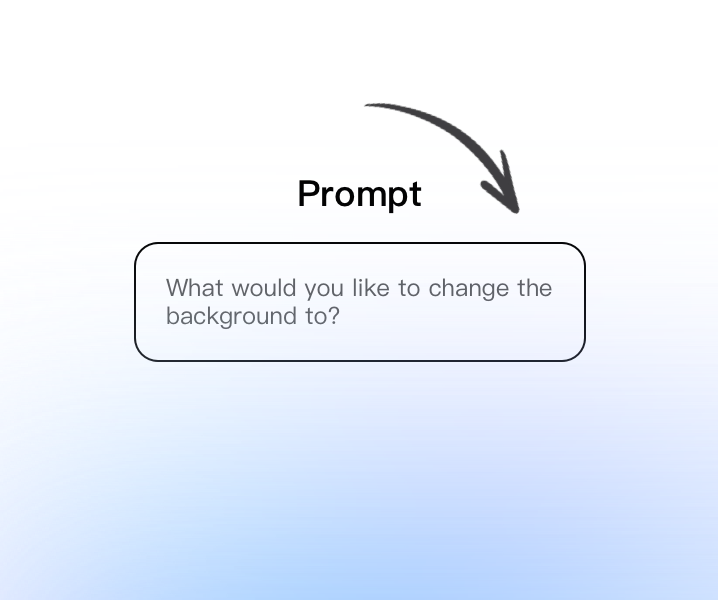
Step 2: Enter Your Prompt
Type a simple prompt to describe your needs.
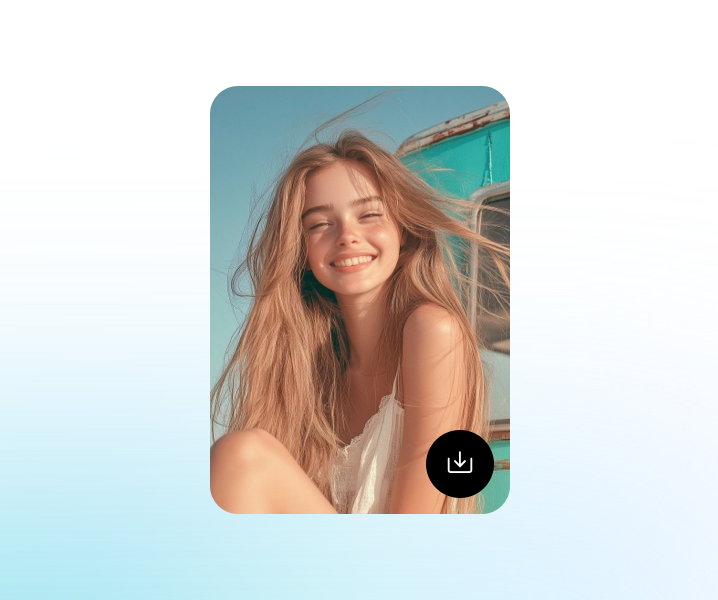
Step 3: Generate & Download
Click Generate and download the image.
Enhance Your Creative Workflow
Use the free AI image editor with prompt for local editing, object adjustments, background changes, and image refinement - all within a streamlined online editing experience.
See Why Users Love AI Image Editor
What Our Users Are Saying
I use it to change outfits on my models. It’s so much faster than masking layers manually. The lighting matches perfectly every time.
EmmaBetter than Photoshop for quick fixes.
I generated a great character but the hands were messed up. This tool fixed the fingers in seconds without changing the rest of the art.
DanielSaved my AI art generation.
I can easily swap items on a table or change the color of a product variation using just text prompts. It’s a game changer for my store.
SophiaIncredible for product photos.
I love adding random things to my travel photos, like a UFO in the sky or a window on my shoulder. It looks surprisingly realistic.
LucasFun and creative.
Usually, these tools leave a visible line, but this AI blends the new object with the existing shadows and grain perfectly.
 Olivia
Seamless blending.
I use it to update my YouTube thumbnails by changing facial expressions or adding props quickly.
 Michael
Essential for content creators.
AI Image Editor FAQ
Everything you need to know about the AI image editor.
What is AI image editor?

Can I change clothes in a photo?
Can I fix distorted hands in AI art?
Do I need professional skills?
How is AI image editor different from removing objects?
Can I use it for commercial projects?
Is the AI image editor free to use?
How fast is the AI image editing?
Does the AI image editor match the lighting?
Can I edit photos from my phone?