




 Go Pro


EaseDone AI - All-in-One AI Assistant for Everyone
Powered by advanced AI models such as Gemini, GPT, Claude, Qwen, etc., EaseDone AI makes your daily work easier without switching applications. Chat with AI to generate images, write essays, solve math problems, analyze files & images, create visuals, and so on.



Trusted by millions of users worldwide



GPT Image 2 - OpenAI’s Latest AI Image Generation Model
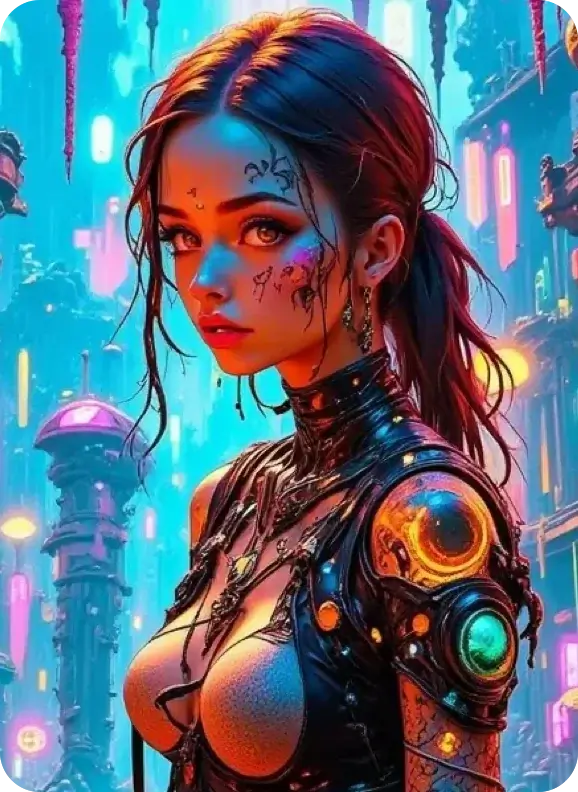
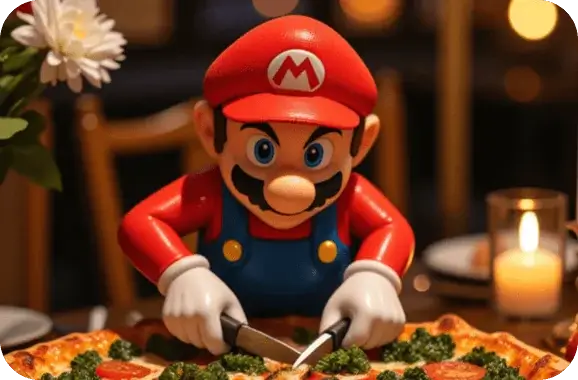
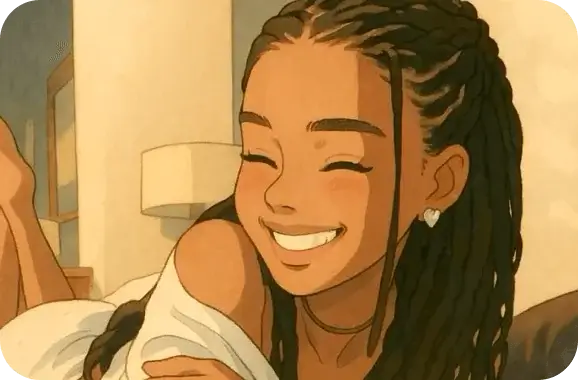
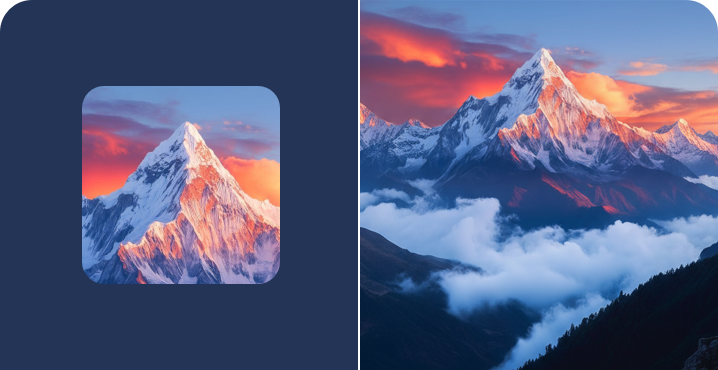
GPT Image 2 is the latest AI image generation tool developed by OpenAI, also known as ChatGPT Images 2.0. It creates high-quality images automatically based on your text prompts.
Highly Accurate Text-to-Image Conversion
Most AI image generators produce garbled or blurry text in visuals. GPT Image 2 solves this problem perfectly. It clearly renders headlines on posters, text on menus, captions on infographics, and more, boasting a text accuracy rate of over 95%.
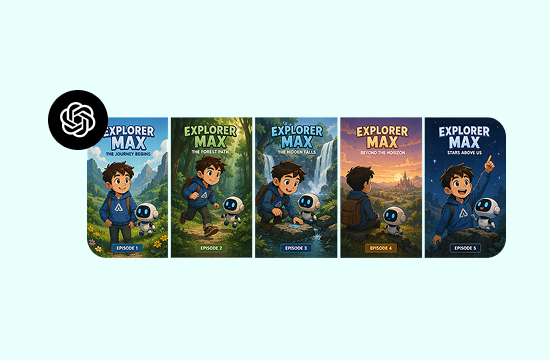
Consistent Style Across Multiple Images
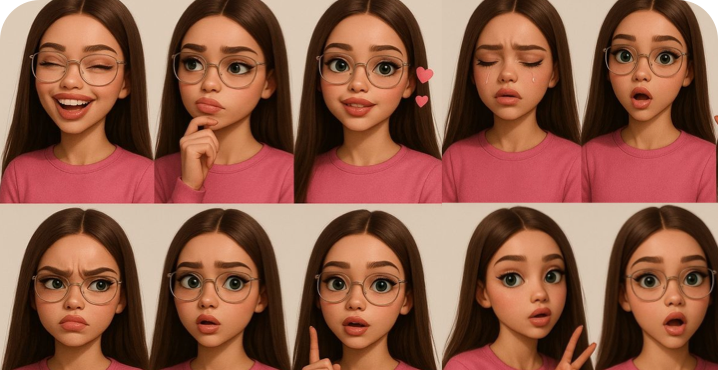
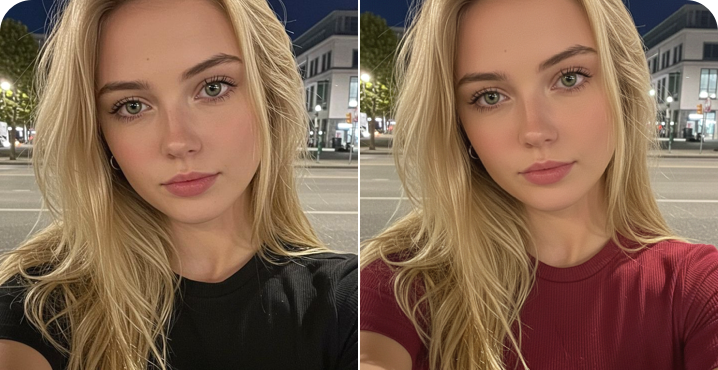
When creating brand assets, comic storyboards, or series posters, you need all visuals to maintain a unified look. GPT Image 2 lets you generate multiple images in one go, with consistent character appearances, color tones, and scene details throughout. No more tedious adjustments for each picture.
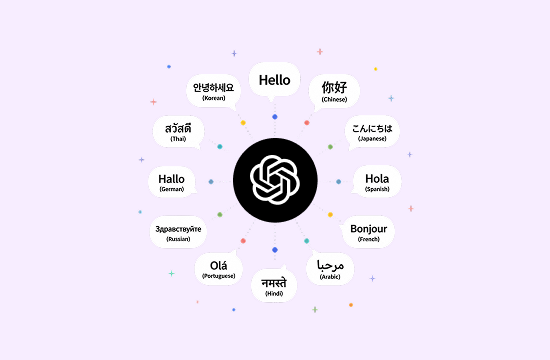
Multilingual Text Rendering
GPT Image 2 supports generating text in Chinese, Japanese, Korean, Hindi, and many other languages inside images, with precise font display and natural layout. It is extremely practical for teams producing multilingual content, eliminating the need to manually add text after exporting images.
Why Use GPT Image 2 on EaseDone AI

Completely Free Access
GPT Image 2 is free for all users on EaseDone AI. No ChatGPT Plus subscription or credit card binding is required to generate images.

Ultra-Fast Generation
Built on an all-new architecture, it runs nearly twice as fast as the previous version. Most images are ready within 10 seconds with no waiting queue.

Outstanding Image Quality
It supports up to 2K resolution, delivering sharp details and accurate colors. The outputs work perfectly for social media, printed materials, and websites, without the unnatural look typical of generic AI art.

For Everyone, Not Just Professionals
This AI image generator is designed for all users. Content creators, students, marketers and entrepreneurs can get started instantly with zero learning curve.
How to Use GPT Image 2 on EaseDone AI
Turn text into images in just 3 steps, and the whole process takes less than one minute.
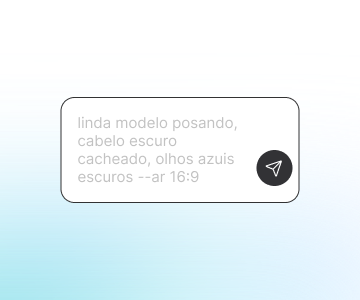
Step 1: Enter Your Prompt
Describe your desired image in a few sentences, in either Chinese or English. More detailed prompts bring better results.
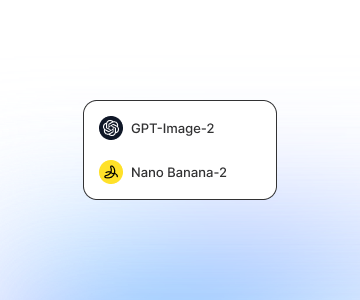
Step 2: Select Model & Size
Choose GPT Image 2 and select an aspect ratio based on your needs, including square, landscape and portrait modes, plus various common preset sizes.
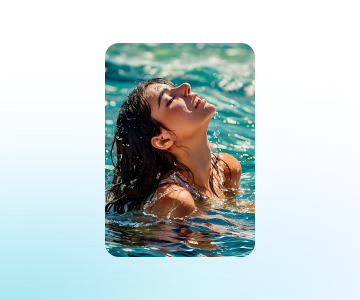
Step 3: Generate & Download
Your image will be ready in seconds. Download it directly, or refine your prompt to create new visuals until you are satisfied.
What Users Are Saying
What Users Are Saying

I used to hire designers for e-commerce product shots. Now I make them myself with GPT Image 2 and cut outsourcing costs a lot. The image quality exceeds my expectations, with clear product details and clean backgrounds.

I use it to make illustrations for teaching materials. I’m most impressed by its crystal-clear Chinese text rendering, unlike other tools that always produce messy characters.
 Zoe
ZoeAs a freelance graphic designer, I need to draft concepts for clients every week. This tool speeds up my workflow dramatically. Images generate instantly. Minor tweaks are occasionally needed, but overall it works great.
 Arthur
Our social media team makes dozens of visuals weekly. The free version of GPT Image 2 fully covers our daily work. We no longer need to buy stock photos, and all content is 100% original.
 Iris
IrisI’m a fiction writer and use this tool for novel illustrations. It produces multiple images with consistent character designs in one batch. I no longer have to adjust each picture one by one. It’s a total game-changer.
 Jasper
I’m an architecture student creating concept visuals. I picked up this tool quickly by following the guide and finished renderings in just 10 minutes. It cannot replace professional design software, but it’s more than enough for presentations.
GPT Image 2 FAQ
Frequently asked questions about GPT Image 2
Is GPT Image 2 free to use?

What is the difference between GPT Image 2 and DALL-E 3?
How do I use GPT Image 2 on EaseDone AI?
Does GPT Image 2 support Chinese prompts?
Can I use images generated by GPT Image 2 for commercial purposes?
What types of images can GPT Image 2 create?