




 Go Pro


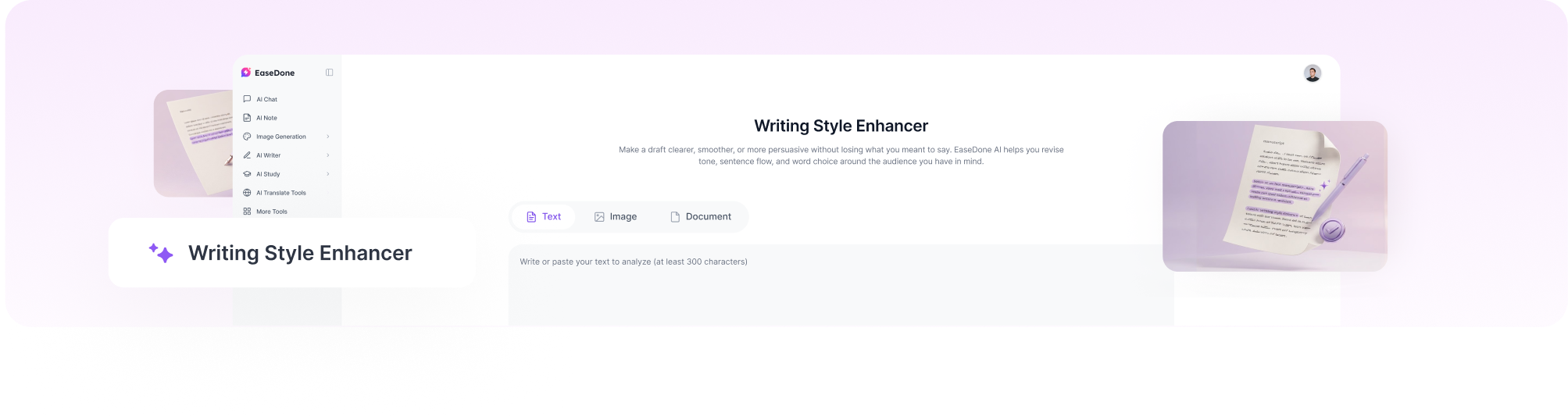
Writing Style Enhancer
Make a draft clearer, smoother, or more persuasive without losing what you meant to say. EaseDone AI helps you revise tone, sentence flow, and word choice around the audience you have in mind. If you first need to fix mechanical errors, the AI Grammar Checker can help you clean up the draft. Ready to sharpen your voice? Try EaseDone AI for free today.
Improve the Way Your Writing Reads
Style is the set of choices that makes writing sound appropriate for its reader and purpose. A client email may need to be concise and courteous; a personal essay may need more warmth; an article may need smoother transitions. A style enhancer helps you test those choices against the draft you already have.
The aim is to improve expression while retaining the facts, argument, and voice you want to keep. Give EaseDone AI the passage and a concrete direction such as 'more direct but still polite' or 'more vivid without adding claims.' Then review the result sentence by sentence.
What Can You Refine with a Writing Style Enhancer?
Tone for a Specific Reader
Adjust a message to sound warmer, more formal, more confident, or more neutral. State who will read it and what response you hope to invite so the revision has a clear target.
Flow Between Sentences
Reduce abrupt jumps, repeated openings, and sentences that feel overpacked. Better transitions should show a real relationship between ideas, not simply add connecting words.
Word Choice and Rhythm
Replace vague or repetitive phrasing with words that fit the subject. Vary sentence length where it helps the reader move through the paragraph, while keeping technical terms that must remain exact.
A More Natural Draft
When a passage sounds stiff or formulaic, compare a style-focused revision with a version from the AI Humanizer. Choose the wording that best reflects your intent instead of accepting every change.
How to Use the Writing Style Enhancer
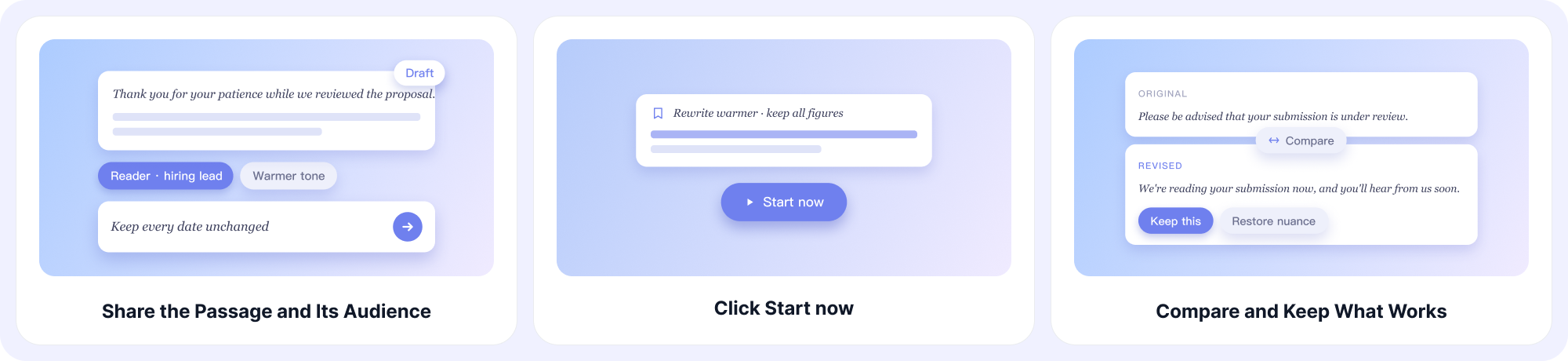
Step 1: Share the Passage and Its Audience
Paste the draft or upload a relevant document or image. Add the reader, purpose, desired tone, and any wording or facts that must stay unchanged.
Step 2: Click Start Now
Click Start now to generate a revised version based on the style direction you supplied. A precise request gives the draft a more useful starting point.
Step 3: Compare and Keep What Works
Read the original and revised versions side by side. Restore any lost nuance, reject wording that feels unlike you, and request another pass on only the sentences that still need work.
Example of a Focused Style Revision
Original: 'We are writing to inform you that there has been a delay regarding the delivery of the requested materials.'
More direct: 'The materials you requested will arrive later than planned.' This version is shorter and easier to scan, but it still needs the new delivery date if that information is available. A good style change improves the message without removing facts the reader needs.
Why Choose EaseDone AI for Writing Style?
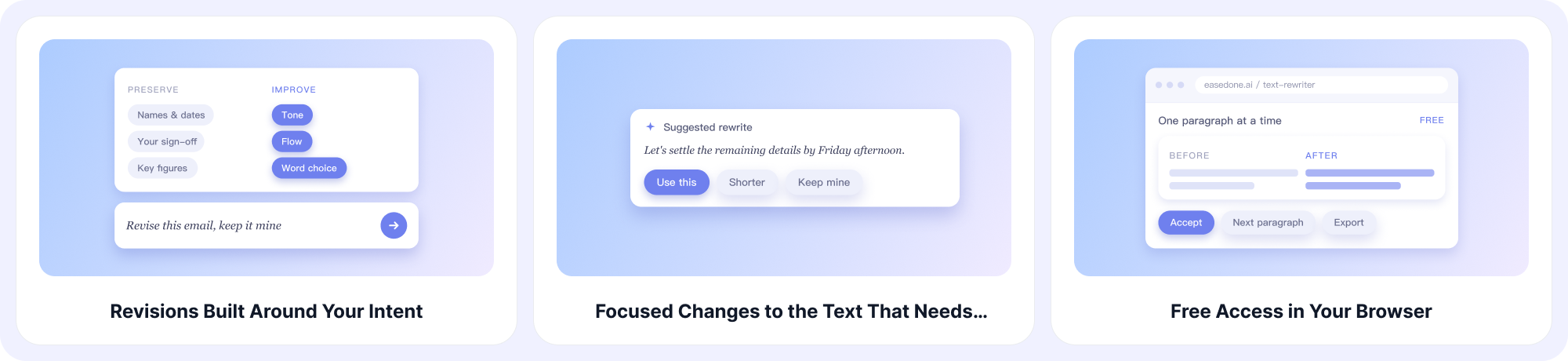
Revisions Built Around Your Intent
Tell the tool what to improve and what to preserve. That makes it easier to revise an email, article, application, or creative passage without treating every sentence as interchangeable.
Focused Changes to the Text That Needs Them
Submit a sentence or paragraph with a little surrounding context. Keep the wording that already works, then focus your follow-up requests on passages whose tone, flow, or word choice still needs improvement.
Free Access in Your Browser
Start online for free and test a short passage before revising a longer draft. You can refine one paragraph at a time and decide which edits belong in the final version.
Multiple Models and Related Tools
EaseDone AI brings several AI models and writing tools together. When you need a second way to phrase a difficult idea, continue the conversation in AI Chat with your audience and constraints in view.
Where Style Improvements Matter Most
Emails and Professional Messages
Make a request more courteous, a status update more direct, or a sensitive message less abrupt while keeping the practical details intact.
Essays and Articles
Clarify an argument, remove repetitive transitions, and make paragraph openings more purposeful. If you need help developing the larger draft, continue with the AI Essay Writer.
Creative and Personal Writing
Test a gentler tone, a tighter rhythm, or more vivid description without flattening a distinctive voice. Keep the revisions that serve the scene or person you are writing for.
Writing Style Enhancer FAQ
1. Will a style enhancer change my meaning?
It should be guided to preserve your meaning, but you should compare every revision with the original and restore any detail or qualification that has shifted.
2. Can I request a particular tone?
Yes. Name the tone and reader, and give a short example of the level of formality or warmth you want.
3. Is this the same as checking grammar?
No. Grammar checking focuses on correctness; style revision focuses on how the writing sounds and moves. A draft may need both.
4. Can I improve only one paragraph?
Yes. Submit that paragraph and describe its role in the larger piece so the revision still fits its context.
5. Can I keep technical terms or exact quotes?
Yes. Identify terms, quotes, figures, and claims that must remain unchanged, then verify that the final version preserves them.
6. How do I decide which version is better?
Read both versions aloud and check clarity, accuracy, tone, and fit for the reader. The best version is the one that communicates your point most effectively.
Make Every Sentence Work Harder
Add your draft, describe the tone you want, and select Start now. Review the changes closely, keep the words that sound like you, and refine the rest.