




 Go Pro


Bypass Turnitin AI
How to bypass Turnitin AI? Try EaseDone AI humanizer to quickly and easily polish and humanize your text. Paste your text and get started now.
Why Students Need to Bypass Turnitin AI Detection
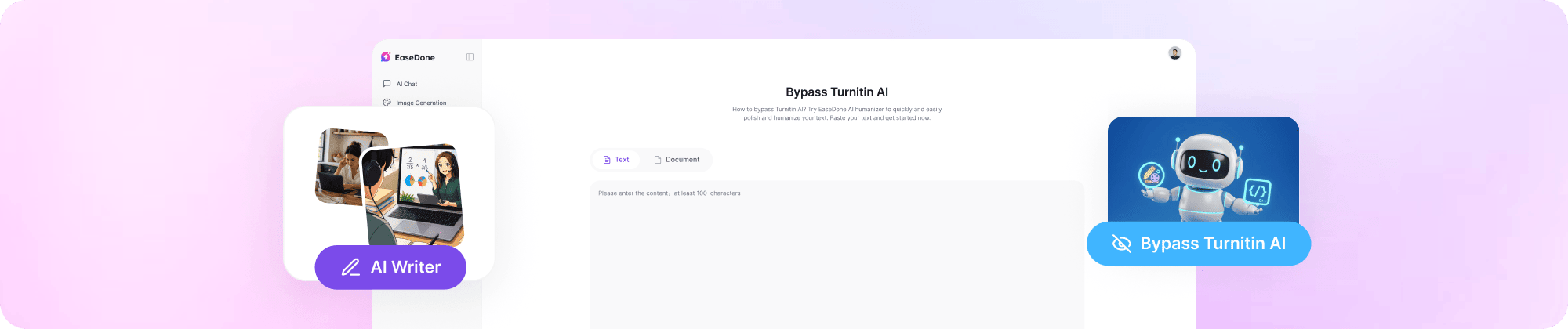
AI writing tools like ChatGPT have become part of everyday student life. But as usage grew, so did institutional scrutiny. Turnitin now runs an AI detector alongside its plagiarism checker, and many schools act on its results. Even well-edited AI-assisted writing can trigger a flag. That's why more students and researchers are looking for reliable ways to bypass Turnitin AI detection before submitting their work.
How to Bypass Turnitin AI Detection
Use EaseDone AI Humanizer (Recommended)
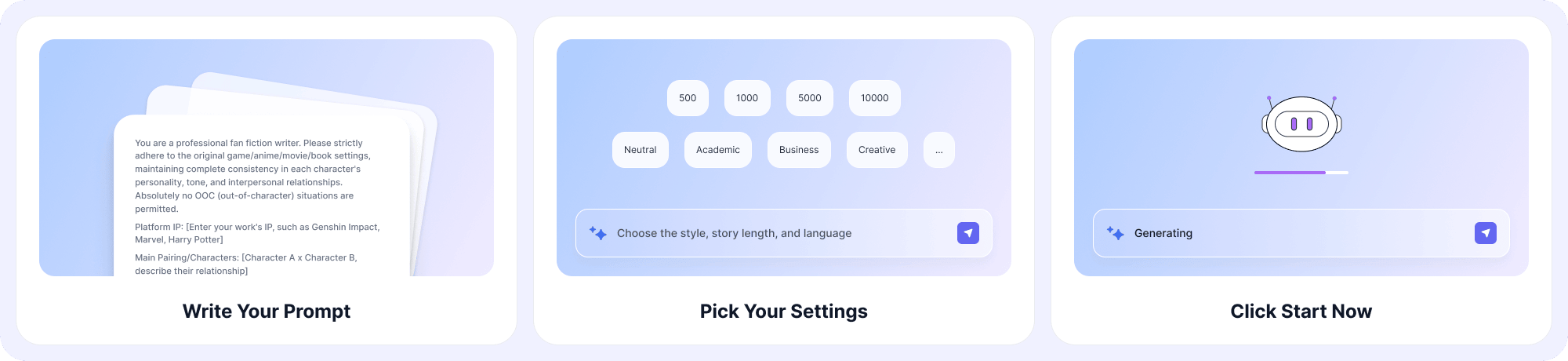
The fastest and most reliable method is using an AI humanizer built specifically for academic content. Speaking of AI humanizer, EaseDone AI is a great tool. It can remove the robotic tone from ChatGPT and other AI tools - making your content feel genuinely written by a person. Here's how to bypass Turnitin with EaseDone AI:
Step 1. Open EaseDone AI's AI Humanizer tool.
Step 2. Paste your AI-generated text into the input box.
Step 3. Choose the lanague, style, and similarity level.
Step 4. Click Start now and let the tool process your content.
Step 5. Copy the output, then run it through an AI detector to verify your score before submitting.
The tool rewrites your content in a natural, human-like style, making it undetectable while keeping your original meaning intact. Most users get a green result on Turnitin after one pass.
Other Manual Methods That Work
Other methods that help you bypass Turnitin AI are as follows.
1. Rewrite in your own voice.
Read each paragraph, close it, and write it again from memory. This naturally removes AI patterns from sentence structure and word choice.
2. Restructure sentences.
Break long compound sentences into shorter ones. Flip the order of clauses. Start sentences differently.
3. Add personal examples or citations.
Inserting a real source, a data point, or a specific example makes text harder to classify as AI-generated.
Methods That Don't Work
Turnitin has developed sophisticated measures to detect and counter attempts to bypass its integrity checks. Here are some common ineffective methods, along with Turnitin's explanations:
1. Synonym spinners.
Tools that simply swap words for synonyms don't change sentence structure. Turnitin's AI detector looks at patterns, not just vocabulary, so spinning alone won't help.
2. Invisible characters or whitespace tricks.
These manipulation tactics are actively detected and flagged by modern plagiarism systems. Using them risks academic penalties.
3. Minor edits to raw AI output.
Changing a few words or fixing grammar on ChatGPT-generated text is rarely enough. The underlying structure still reads as machine-generated.
Why Choose EaseDone AI for Turnitin Bypass
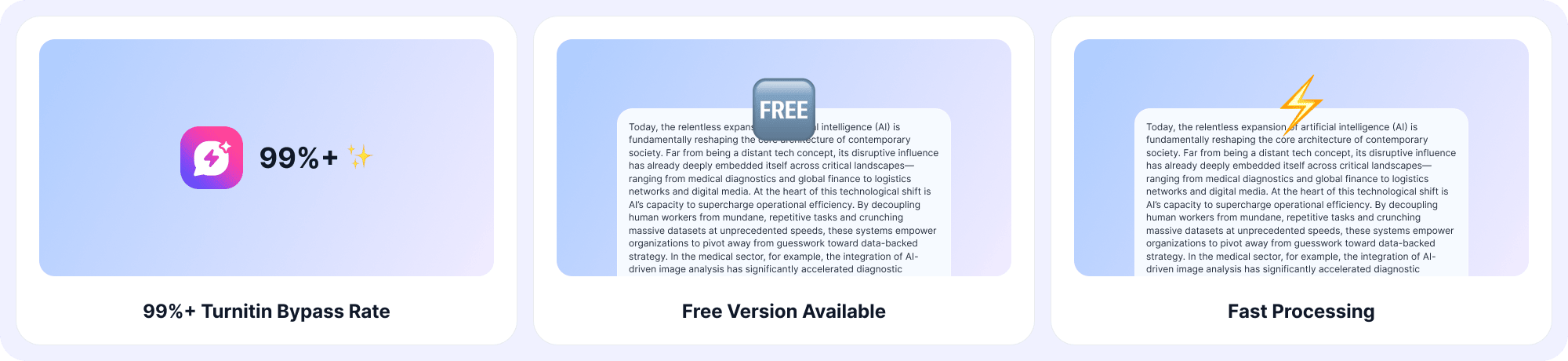
1. 99%+ Turnitin Bypass Rate
EaseDone AI is trained on how Turnitin's detector works, giving you consistent, reliable results across submissions.
2. Built for Academic Writing
The humanizer understands formal tone, citation-heavy text, and discipline-specific language. It doesn't turn your essay into a blog post.
3. Preserves Your Original Meaning
Your argument, structure, and key points stay intact. Only the surface-level phrasing changes to pass detection.
4. Fast Processing
Most documents are processed in seconds. No waiting, no queues - just paste, humanize, and go.
5. Free Version Available
Try it before committing. The free tier lets you test the tool on real content so you can judge the quality yourself.
6. All-in-One AI Assistant Tool
EaseDone AI also checks grammar issues, makes mind maps, and solves math problems. It's an all-in-one AI study tool.
Before and After Using EaseDone AI
| Metric | Before Using EaseDone AI | After Using EaseDone AI |
|---|---|---|
| AI Detection Rate | 70-95% flagged as AI | Under 5% flagged |
| Turnitin Score | Red or yellow warning | Green (low AI probability) |
| Readability | Formulaic, repetitive patterns | Natural, varied sentence flow |
| Grammar Issues | Not checked | Flagged and corrected |
What Types of Text Can EaseDone AI Handle?
EaseDone AI's humanizer works across a wide range of academic and professional content:
- Essays and argumentative papers
- Research papers and literature reviews
- Dissertations and thesis chapters
- Blog posts and online articles
- Business reports and professional documents
- ChatGPT-generated text of any length
- Content from other AI tools (Gemini, Copilot, Claude, etc.)
Whether it's 200 words or 5,000 words, the tool handles it without breaking structure or losing context.
Turnitin: What the Numbers Actually Mean
What Does Green on Turnitin Mean?
Green on Turnitin means your submission scored low on the AI detection scale - typically below 20%. It signals that the text reads as human-written. Most instructors treat a green result as a passing indicator, though policies vary by institution.
What Does Your Turnitin Score Mean?
The Turnitin score reflects how much of your text the system classifies as likely AI-generated. A score of 0-20% is generally considered low risk (green). Scores above 50% often appear in red and may trigger a review. The score is a probability estimate, not a definitive ruling - but institutions increasingly treat high scores seriously.
Can Turnitin Detect ChatGPT?
Yes. Turnitin's AI detector is specifically trained to identify patterns common in ChatGPT output including sentence uniformity, predictable structure, and certain vocabulary tendencies. Raw ChatGPT text typically scores very high on Turnitin's AI indicator. Using an AI humanizer like EaseDone AI before submission is currently the most effective way to address this.
Bottom Line
Ready to get green on Turnitin? Paste your text into EaseDone AI's AI Humanizer and see the result for yourself. The free version is available right now.
FAQ
Q: Is it safe to use an AI humanizer for Turnitin?
A: Using a humanizer to improve the readability and natural flow of your writing is generally safe. EaseDone AI rewrites content so it reads as human-written - it doesn't insert plagiarized text or manipulate files in any detectable way. That said, always check your institution's specific policy on AI assistance before submitting.
Q: Does EaseDone AI guarantee a green score on Turnitin?
A: EaseDone AI achieves a 99%+ bypass rate in testing, and most users see green results after processing. However, no tool can guarantee a specific outcome on every submission - Turnitin updates its detection methods regularly. Running a quick check with an AI detector after humanizing is always a good idea.
Q: How is EaseDone AI different from other humanizers?
A: Most generic humanizers treat all text the same. EaseDone AI is optimized for academic writing - it preserves formal tone, respects citation structures, and avoids over-simplifying complex arguments. It also checks for grammar issues as part of the process, which most basic humanizers skip.
Q: Can I use EaseDone AI for free?
A: Yes. EaseDone AI offers a free version so you can test the tool on your own content before deciding to upgrade in 3 days. There's no need to commit upfront - try it, check the output, and see if it meets your needs.
Q: Will my text still make sense after humanizing?
A: Yes. Preserving your original meaning is a core part of how EaseDone AI works. The tool changes how ideas are expressed - not what they say. Your argument, evidence, and structure all remain in place. You can review the output before using it and make any further edits you want.