




 Go Pro


AI Practice Test Maker
Upload your notes, PDFs, lecture slides, or textbook chapters, and our AI will generate a variety of practice tests, including multiple-choice, true/false, and short-answer questions. Try it for free now!
Why You Need an AI Practice Test Maker
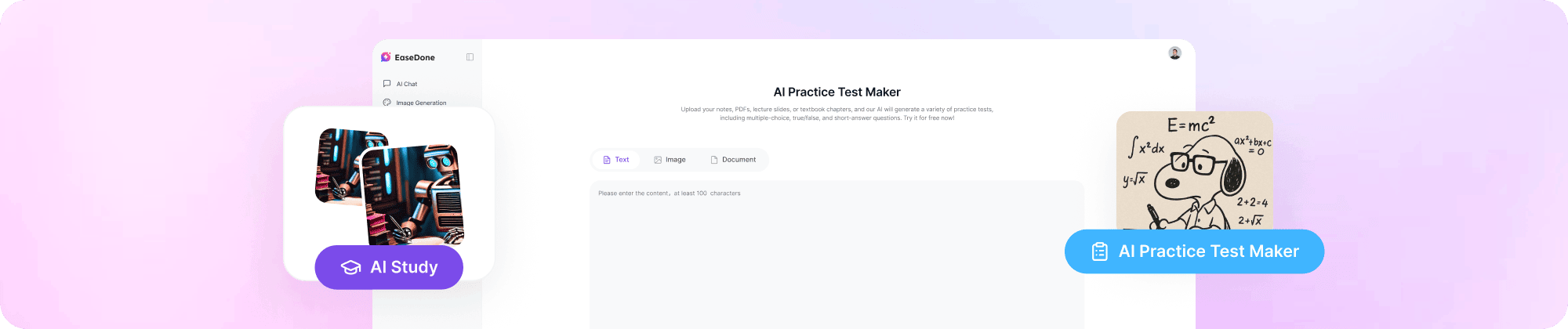
Studying from a textbook or a stack of notes only gets you so far. The real test of learning is answering questions, not just reading them. That's why practice tests work so well: they force active recall, show you what you actually know, and highlight the gaps before exam day does it for you. The problem is that building a good practice test takes time. Writing multiple-choice options, short answer prompts, and case studies by hand is slow, and generic question banks rarely match what your class or exam actually covers.
EaseDone AI practice test maker solves this by turning your own study material like notes, PDFs, slides, textbook chapters into a complete practice test in seconds. It's built for students prepping for exams, teachers building quizzes for class, and anyone studying for a certification who wants questions based on real content, not random trivia.
Common use cases:
- Students reviewing before midterms or finals
- Teachers creating quick in-class quizzes or homework checks
- Professionals studying for certification or licensing exams
- Tutors building custom practice sets for individual students
- Study groups turning shared notes into a test everyone can use
Key Features of EaseDone AI Practice Test Maker
1. Practice Tests Made from Your Own Course Material
Every question comes from the notes, PDFs, and slides you upload, not a generic question bank. What you practice matches what's actually on your exam.
2. Multiple Question Types, Generated Instantly
Get multiple-choice, short answer, case study, and essay questions in one click, so your test matches the format of your real exam.
3. Built-in Answers and Explanations
Every question comes with the correct answer and a clear explanation, so you can check your work and actually understand your mistakes.
4. Fully Customizable Test Design
Use our online test maker to customize everything - colors, backgrounds, and button text. Smart logic can also adjust question difficulty step by step based on your answers.
How to Use EaseDone AI Practice Test Maker
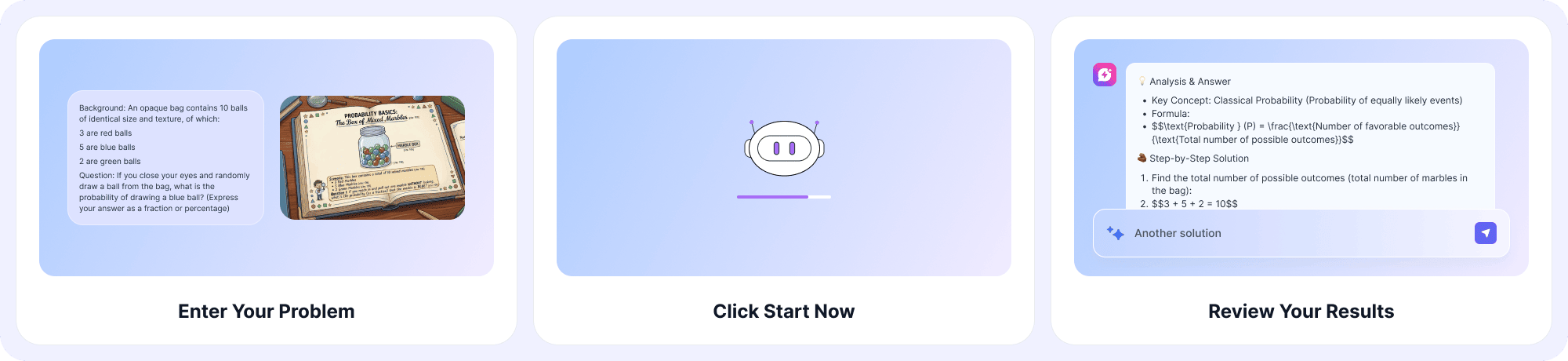
Step 1: Upload your text, image, or document
Add your notes, a PDF, a photo of your textbook page, or any study material you have.
Step 2: Click "Start Now"
Our AI reads your material and instantly generates a full set of practice questions.
Step 3: Edit and download
Review the questions, make any changes you want, then download your finished test.
Why Choose EaseDone AI Practice Test Maker
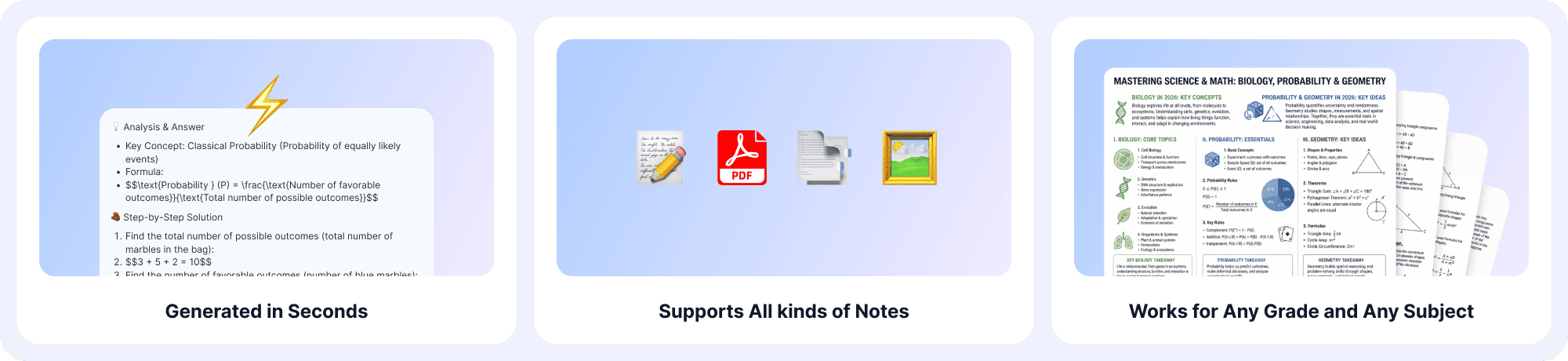
- Generated in seconds - no waiting around to start studying.
- Works for any grade and any subject - from middle school to professional certification.
- Fully customizable - make the test look and feel the way you want.
- Supports all kinds of notes - text, PDFs, slides, and images.
FAQ
1. What is a practice test maker?
A practice test maker is a tool that turns study material into ready-to-use test questions. Instead of writing questions yourself, you upload your notes or documents, and the tool builds a test around them, complete with answers.
2. How do I make a practice test from my own notes?
To make a practice test from your notes, upload the file (PDF, text, or image) into EaseDone AI Practice Test Maker, click "Start Now," and the AI will generate questions based on exactly what's in your document. You can then edit the questions before downloading.
3. Is there a free practice test maker I can use without signing up?
Yes. EaseDone AI Practice Test Maker lets you upload your material and generate a test right away, with no complicated setup required to get your first test started.
4. How to make a practice test that matches my exam format?
Choose the question types you need - multiple-choice, short answer, case study, or essay - when generating your test. EaseDone AI builds all of these formats from the same uploaded material, so you can match whatever format your actual exam uses.
5. Can I create a practice test from a photo of my textbook?
Yes. You can upload an image of a textbook page, handwritten notes, or a printed worksheet, and the tool will read the content and turn it into test questions.
6. Does the practice test maker include answer keys?
Yes. Every generated question comes with the correct answer and an explanation, so you don't have to check a separate answer sheet or guess whether your response was right.
7. Can I edit the questions after they're generated?
Yes. Once your test is created, you can review each question, remove ones you don't want, adjust wording, or add your own before downloading the final version.
8. What subjects and grade levels does the practice test maker support?
The tool works for any subject and any grade level - from elementary school reviews to college coursework and professional certification exams. It builds questions based on whatever content you upload, so it isn't limited to a fixed subject list.
9. Can teachers use this to make practice tests for a whole class?
Yes. Teachers can upload lecture slides, textbook chapters, or a study guide, then generate a test in seconds. The customization options also let you match the test's look to your class or school branding.
10. Does the practice test get harder based on how I answer?
Yes. The smart logic feature can adjust question difficulty step by step depending on your responses, so the test adapts as you go instead of staying at one fixed level.