




 Go Pro


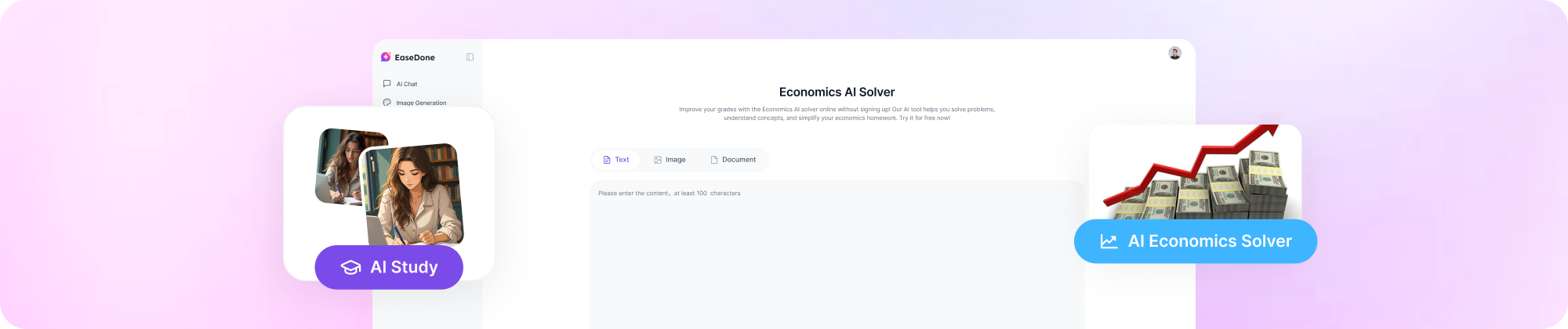
Economics AI Solver
Improve your grades with the Economics AI solver online without signing up! Our AI tool helps you solve problems, understand concepts, and simplify your economics homework. Try it for free now!
Key Features of Economics AI Solver
1. Makes Complex Concepts Easy to Follow
Dense textbook language can make economics harder than it needs to be. This economics AI solver breaks down ideas like demand, market equilibrium, and monetary policy into plain, simple explanations - so the concept clicks before you even get to the math.
2. Goes Beyond Short Answers for Deeper Assignments
Some tasks need more than a one-line response. EaseDone economics AI helps with full economic analysis, so you can explain patterns, compare different outcomes, and back up your answers with reasoning, not just a final number.
3. Connects Real Data to your Written Answer
Economics rarely stays in theory alone - it usually involves statistics, trends over time, and real-world evidence. This tool helps you tie that data directly into your analysis, so your written answer actually reflects the numbers behind it.
4. Useful for Homework, Review, and Exam Prep
Whether you're working through homework, reviewing before a test, or practicing after class, the economics AI gives you accurate, step-by-step answers you can check, refine, and learn from - not just copy.
5. Answers Shaped Around Your Actual Assignment
Paste your full task description, type your question directly, or add data you already have. The more specific your input, the more the answer matches your real assignment, instead of reading like a generic summary pulled from a random page.
How to Use Economics AI Solver
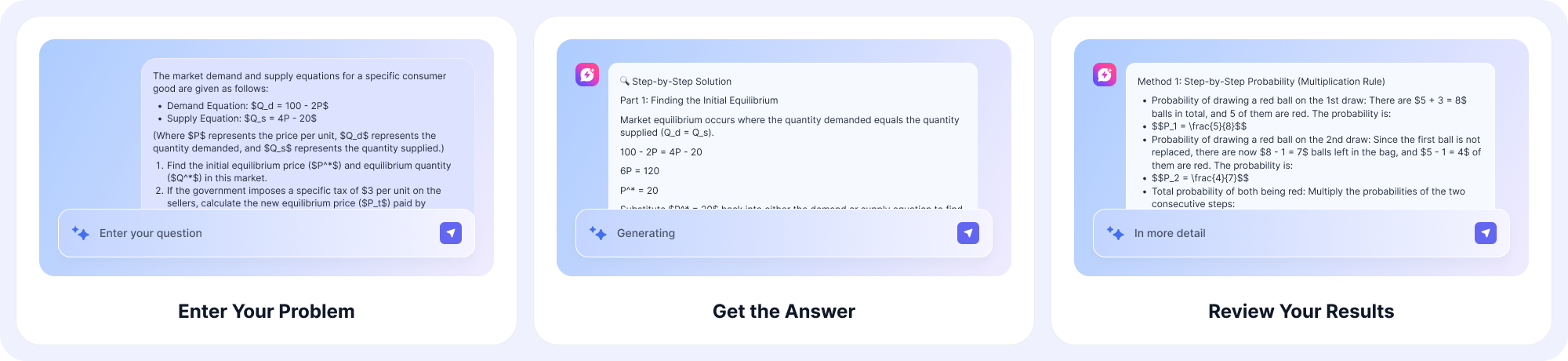
Step 1: Enter Your Question
Type your economics question directly into the box, or paste the full assignment text if it has multiple parts. You can also upload a photo or PDF if your problem includes a graph, chart, or table that's easier to upload than retype.
Step 2: Get Your Step-by-Step Answer
Economics AI Solver breaks the problem down and works through it the way a textbook or professor would - concept first, then calculation, then conclusion. You'll see each step laid out, not just a final number.
Step 3: Review and Ask Follow-up Questions
If a step doesn't make sense, ask the AI to explain it differently or show an alternative method. You can keep asking questions until the concept actually clicks, which makes this useful for studying, not just finishing homework.
Why Choose Economics AI Solver
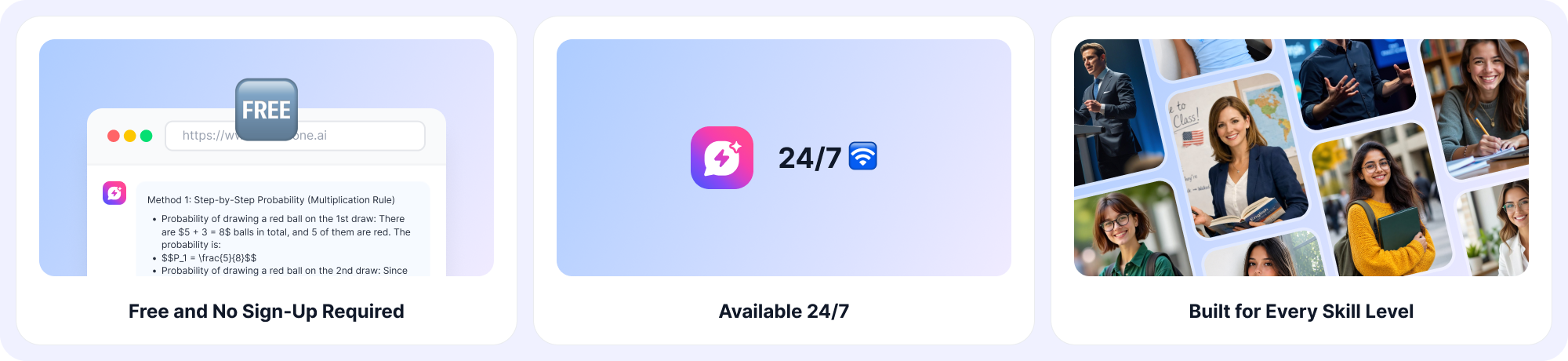
1. Free and No Sign-Up Required
Start asking economics questions right away - no account, no credit card, no waiting around.
2. Available 24/7
Homework doesn't wait for office hours, and neither does EaseDone economics AI. Get help at midnight before a deadline or during a quick study break between classes.
3. Reduces Academic Stress
Stop staring at a question you don't understand. Get a clear, step-by-step answer in seconds so you can move on to the next problem with confidence.
4. Built for Every Skill Level
From your first supply-and-demand graph to advanced merger analysis, EaseDone economics AI adjusts its explanations to match where you are - so beginners aren't overwhelmed and advanced students aren't bored.
What Our Users Are Saying
"Saved me before my midterm" - Jordan K.
I used Economics AI Solver the night before my micro midterm. Plugged in 4 practice questions on price elasticity and got full explanations, not just answers. Got an 88 on the test, up from a 71 on the last one. Worth it.
"Finally understand market equilibrium" - Priya N.
I'm not a numbers person. This thing broke down a equilibrium price problem in like 5 steps and I actually got it. Took me maybe 3 minutes total. My professor even asked how I explained it so clearly in my homework.
"Good for harder stuff too" - Marcus T.
Tried it on a public debt and GDP question for my macro class, not just basic supply and demand. It walked through the formulas and explained why each step mattered. Took the assignment from a guess to an actual 92%.
"Easy to use, no learning curve" - Aisha R.
Pasted in my whole assignment instructions and it just worked. Didn't have to reformat anything. Got my answer in under a minute and it matched the structure my TA wanted.
"Better than asking classmates" - Daniel W.
Group chat answers are always half-wrong. I ran the same H-index merger question through Economics AI Solver and got a clean breakdown with the actual numbers shown. Compared it to my textbook answer key after - matched.
"Use it for review before class" - Sofia M.
I don't just use it for homework, I run old quiz questions through it before tests to check my work. Caught 3 mistakes I would've made on monetary policy questions last week. Small thing but it adds up over a semester.
FAQ
1. What is an economics AI solver and how does it work?
An economics AI solver reads your question, breaks it into the underlying concept (supply and demand, GDP, market structure, and so on), then walks through the calculation or explanation step by step. With EaseDone economics AI, you can type a question, paste a full assignment, or upload data, and the tool returns a structured answer you can actually follow, not just a final number.
2. Is EaseDone's economics AI solver free to use?
Yes, you can use the core economics AI solver for free. Some advanced features, like longer multi-part assignments or uploading large datasets, may have usage limits depending on your plan. Most homework-length questions are covered without any cost.
3. Can it handle both microeconomics and macroeconomics?
Yes. The tool covers microeconomics topics like elasticity, market structure, and consumer theory, as well as macroeconomics topics like inflation, fiscal policy, unemployment, and public debt. You don't need to pick a category - just enter the question and the economics AI figures out the right approach.
4. How is this different from just using a general AI chatbot?
A general chatbot can guess at an answer, but it isn't built around economic models or grading conventions. Economics AI Solver is tuned specifically for economics coursework, so it follows the format instructors actually expect (graphs, formulas, labeled steps) instead of giving a generic written response.
5. Will the answers actually help me understand the material, or just give me the answer?
The tool is built to show the reasoning, not just the result. Each answer breaks the problem into steps so you can see why a number changed, not just what the number is. That makes it useful for studying before an exam, not only for finishing homework.
6. Can I upload a photo or PDF of my economics problem instead of typing it?
Yes. You can upload an image, PDF, or paste text directly. This is useful for problems with graphs, tables, or data sets that are hard to retype, like supply-demand diagrams or market share tables.
7. Does it work for advanced or college-level economics, like antitrust analysis or game theory?
Yes. Beyond intro-level supply and demand, the solver handles more advanced topics such as Herfindahl-Hirschman Index (HHI) calculations for merger analysis, game theory payoff matrices, and production possibility frontiers - material commonly assigned in college-level courses.
8. Is using an economics AI solver considered cheating?
It depends on how it's used and your school's policy. Using it to check your work, understand a concept, or study for a test is generally fine. Submitting AI-generated answers as your own original work without disclosure may violate academic integrity rules at some schools, so it's worth checking your course guidelines first.
9. Does Economics AI Solver work with real data, like current GDP or inflation figures?
Yes, you can input your own data sets, statistics, or numbers from an assignment, and the tool will incorporate them into the analysis instead of relying only on textbook examples. This is useful for assignments that ask you to connect economic theory to real-world figures.
10. Is my data and homework information kept private?
Questions and uploaded files are used only to generate your answer and are not shared publicly. If you're submitting school assignments, it's still good practice to remove any personally identifying information before uploading, as a general rule with any online tool.