




 Go Pro


AI Quiz Generator
With our free AI quiz generator, you can create multiple-choice tests fast and free. Just input your needs or upload materials, and our AI will create questions with answers, analysis, and key points. Try it for free now!
What Is an AI Quiz Generator
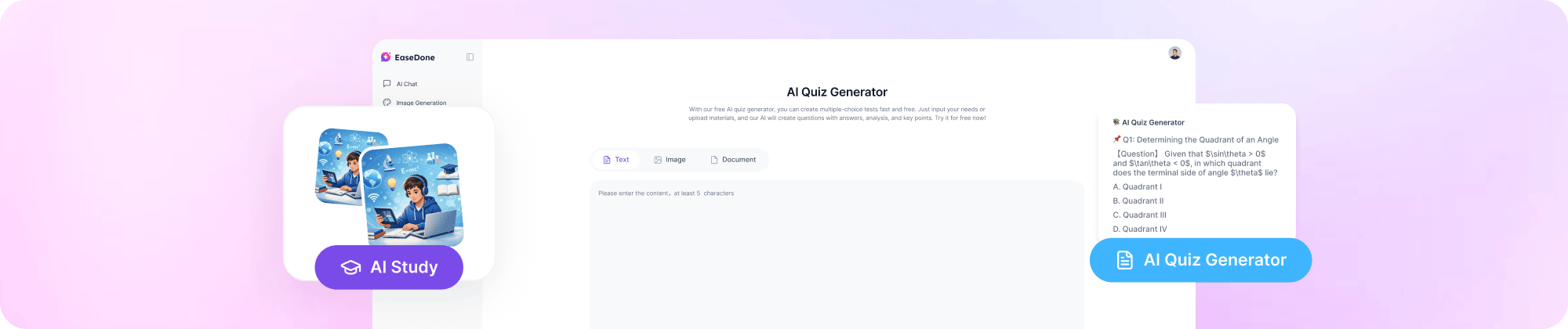
An AI quiz generator is a tool that turns your notes, textbooks, or any study material into ready-to-use questions in seconds. Instead of writing each question by hand, you upload your content, and the AI reads it, finds the key points, and builds a quiz around them.
EaseDone AI's free AI exam generator goes a step further. It does not just create a question - it also gives you the correct answer, a short explanation, and the exact point being tested. This makes it useful for both quick practice and serious exam prep, since you always know why an answer is right, not just what the answer is.
Because it works as a free AI test generator, you can try it without paying or signing up for a plan first. That makes it a simple way to check how a practice test maker works before you commit to anything.
Key Features of EaseDone AI Exam Generator
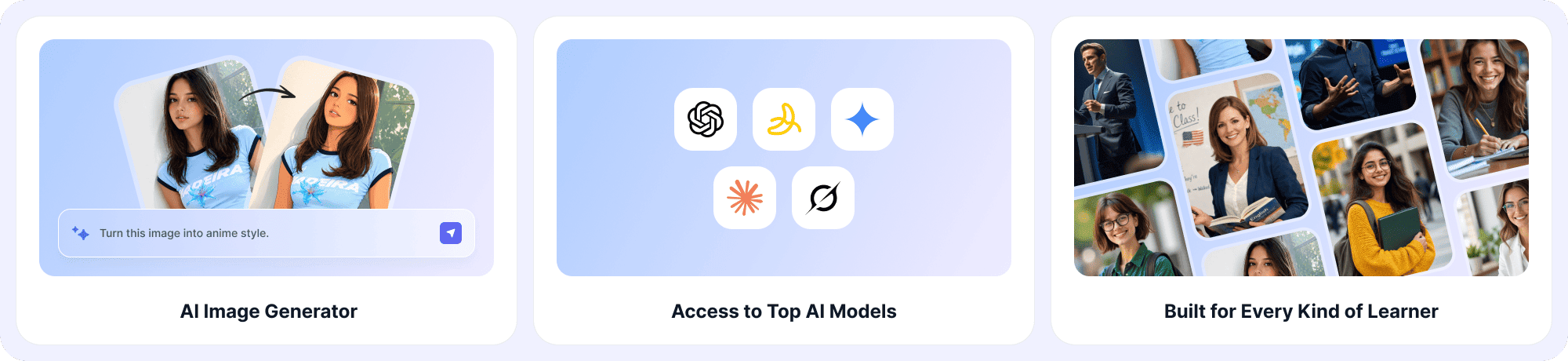
1. Multiple Question Types
Every question comes with four parts: the question itself, the answer, a clear explanation, and the specific point or concept it tests. This helps you understand the reasoning, not just memorize the answer.
2. Works for Every Subject
Whether it's math, history, biology, language learning, or professional certification, the AI adjusts to the subject matter. You are not locked into one type of content.
3. Custom Test Formats
You decide the format. Mix multiple-choice, single-choice, and matching questions in one set, or stick to just one type. This flexibility is what makes it a true custom practice test maker, not a fixed template.
4. All-in-one Study Platform
Beyond quizzes, EaseDone AI also includes flashcards, summaries, and other practice tools. You can move between making a practice test and reviewing flashcards without switching apps.
How to Make a Practice Test with EaseDone AI
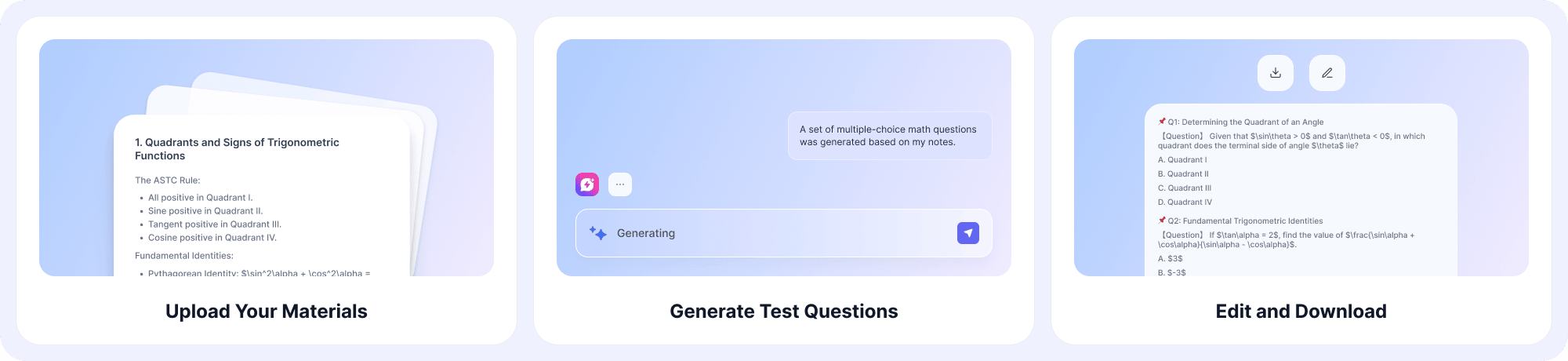
Wondering how to make a practice test without spending hours writing questions by hand? Here's the process:
Step 1: Upload Your Materials
Add your notes, slides, or textbook content, then tell the AI what kind of test you want - subject, difficulty, number of questions, and question type.
Step 2: Let the AI Generate Your Test
The AI builds your quiz with full answers, explanations, and the specific concept each question is testing.
Step 3: Edit and Download
Review the questions, make changes if needed, then download your finished test.
This three-step flow is also how to make practice tests for an entire class or course. Just repeat the steps for each chapter or topic, and you'll have a full bank of practice tests ready to use.
Who Uses EaseDone AI Quiz Generator
Teachers
Quickly build class quizzes or online tests for students. Choose a public test, or use the private test option to keep it limited to your class or school only. Premium accounts can upload media files and generate unlimited questions. Auto-grading saves time so you can focus on teaching, not marking papers.
Students
Turn lecture notes or textbook chapters into a free practice test maker for self-study. Test yourself before exams and see exactly which concepts need more review.
Tutors and Trainers
Build custom assessments for one-on-one sessions or small groups, with explanations included so students can review mistakes on their own.
What Users Say
"I used to spend my Sunday nights writing quiz questions for Monday's class. Now I upload my slides and have a full test with answers in under five minutes." - High school teacher
"As a free AI exam generator, it's surprisingly thorough. I like that every question explains the reasoning, not just the answer." - College student
"I tested a few practice test makers before this one. The custom question types - letting me mix multiple-choice and matching - made the biggest difference for my class." - Tutor
FAQ
1. What is an AI quiz generator?
It's a tool that uses AI to read your study material and automatically create test questions, answers, and explanations from it.
2. Is there a free AI test generator I can use without signing up?
Yes. EaseDone AI lets you generate a basic practice test for free. Some advanced features, like unlimited questions or media uploads, may need an account.
3. How accurate are the questions from a free AI exam generator?
Accuracy depends on the source material. The clearer and more complete your notes or document, the more accurate and relevant the generated questions will be. Each question also comes with an explanation so you can verify the reasoning yourself.
4. Can I customize the question types in my practice test?
Yes. You can choose multiple-choice, single-choice, matching, or a mix of formats when you make a practice test with EaseDone AI.
5. How do I make a practice test from a PDF or my own notes?
Upload the file or paste your notes, describe what you want (subject, difficulty, number of questions), and the AI generates the test for you. You can edit it before downloading.
6. Can teachers use this tool for real classroom tests?
Yes. Teachers can create public or private tests, restrict access to their class or school, and use auto-grading to save time.
7. What subjects does the AI exam generator support?
It works across all subjects, from school subjects like math and history to college-level and professional topics.
8. Does the generated test include answer explanations?
Yes. Every question includes the answer, an explanation of why it's correct, and the specific concept it's testing.
9. How is this different from a basic quiz maker?
A basic quiz maker usually just lists questions. This practice test maker adds explanations and tested concepts to every question, and lets you customize question types instead of using one fixed format.
10. Can I download or export the practice test I create?
Yes. Once you've reviewed and edited your test, you can download it directly from the platform.