AI has changed how students study, write, and research - there's no going back. But here's the thing: most students start with ChatGPT, hit a wall, and then start looking for something better. And it makes sense. ChatGPT is a general-purpose chatbot. It wasn't designed with college deadlines, research papers, or lecture note chaos in mind.
If you've ever submitted an AI-assisted essay only to find half the citations were made up, or pasted a 60-page PDF into a chat window only for it to error out — you already know the problem. The good news is there's a whole ecosystem of AI tools built specifically for academic use. Some handle research better. Some are smarter about citations. Others help you organize notes, stay on schedule, or write with more nuance. A few do all of the above.
This guide from EaseDone AI introduces the 10 best AI study tools that are better than ChatGPT for students with honest takes on pricing, features, and who each tool is actually best for.
Why Students Need More than ChatGPT
1. Fabricate Statistics, Make up Introductions
ChatGPT confidently provides incorrect answers. It fabricates statistics, makes up introductions, and even cites papers that don't exist. For everyday use, this is annoying. But for academic papers, it can ruin your grades and even damage your academic reputation. Imagine spending two hours writing a well-researched paper, only to discover that three out of the five references provided by your AI assistant are fake.
2. Some Citation Support Is Nonexistent
Requesting citations from ChatGPT will yield references that appear to be in APA or MLA format. However, the authenticity of these sources is another matter. Students need tools that can extract information from real, verifiable academic databases, not tools that generate seemingly plausible but fraudulent citations.
3. It Can't Handle Long Documents
Try uploading a 100-page research paper or a semester's worth of lecture notes to ChatGPT. You'll quickly hit token limits, watch it lose context, or get back a summary that missed the entire point. ChatGPT struggles with academic work involves dense, long-form content.
4. There's No Academic Workflow
ChatGPT is a chat interface. There's no integrated note-taking, no study schedule builder, no flashcard generator, no progress tracker. Students need tools that can be integrated into their actual learning methods, not tools that require them to change their workflows to adapt.
5. Productivity Takes a Backseat
For students juggling multiple classes, deadlines, group projects, and part-time jobs, a chatbot that just answers questions isn't enough. The best AI tools for college students help you do things draft, organize, summarize, plan, and execute.
Top 10 AI Study Tools That Are Better Than ChatGPT
1. EaseDone AI - Best All-in-One AI Study and Create Platform
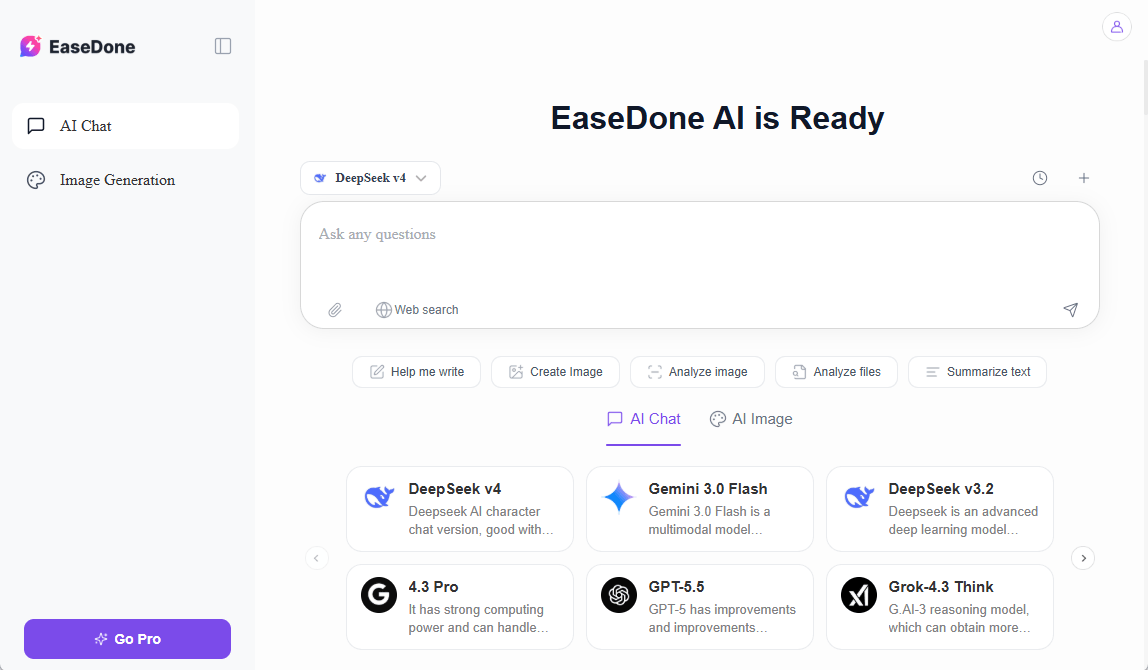
EaseDone AI is a easy AI chat assistant for students and knowledge workers who need more than a chatbot. It combines AI writing assistance, document summarization, task management, image generating nd study productivity tools in one clean workspace. If you've been juggling Notion, ChatGPT, and a citation manager all at once, EaseDone AI is a great ChatGPT alternative for you. It's one of the few platforms with language and image models such as Nano Banana 2, ChatGPT Image 2, DeepSeek V4, etc.
Key Features:
- AI-powered document and PDF summarization
- Intelligent writing and essay assistant
- Study schedule and task planner
- Image generating and editing with advanced models
- Watermark/logo removing
- Note organization with AI chat and search
- Multi-document comparison and analysis
Pricing: Free plan available and Pro plans for advanced features.
Best For: Students who want an all-in-one academic AI tool that replaces multiple apps.
2. Perplexity AI - Best for Real-Time Research
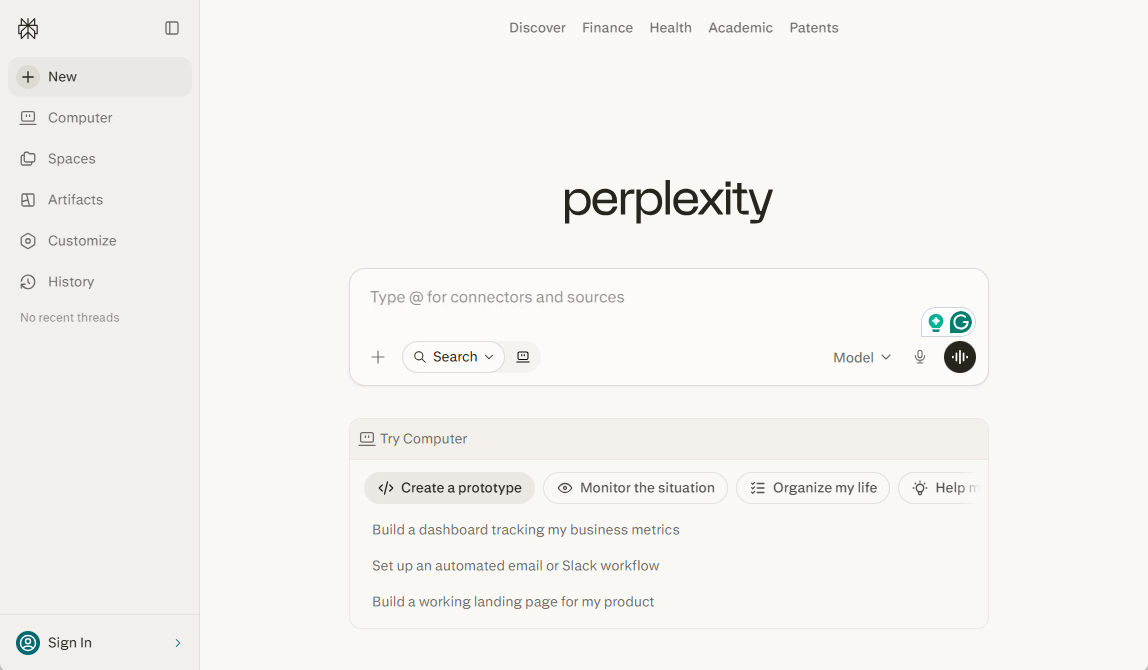
Perplexity AI is a research-first AI engine that searches the web in real time and cites every source it uses. It helps you to build a business and learn with several models like GPT 5.5, Gemini 3.1 Pro, and so on.
Key Features:
- Live web search with cited sources
- Academic and news search modes
- Follow-up question threads
- Source transparency on every response
Pricing: Free and Pro plan starts at $9/month.
Best For: Students who need fast, sourced answers for research papers and fact-checking.
3. Claude AI - Best for Long Documents and Writing
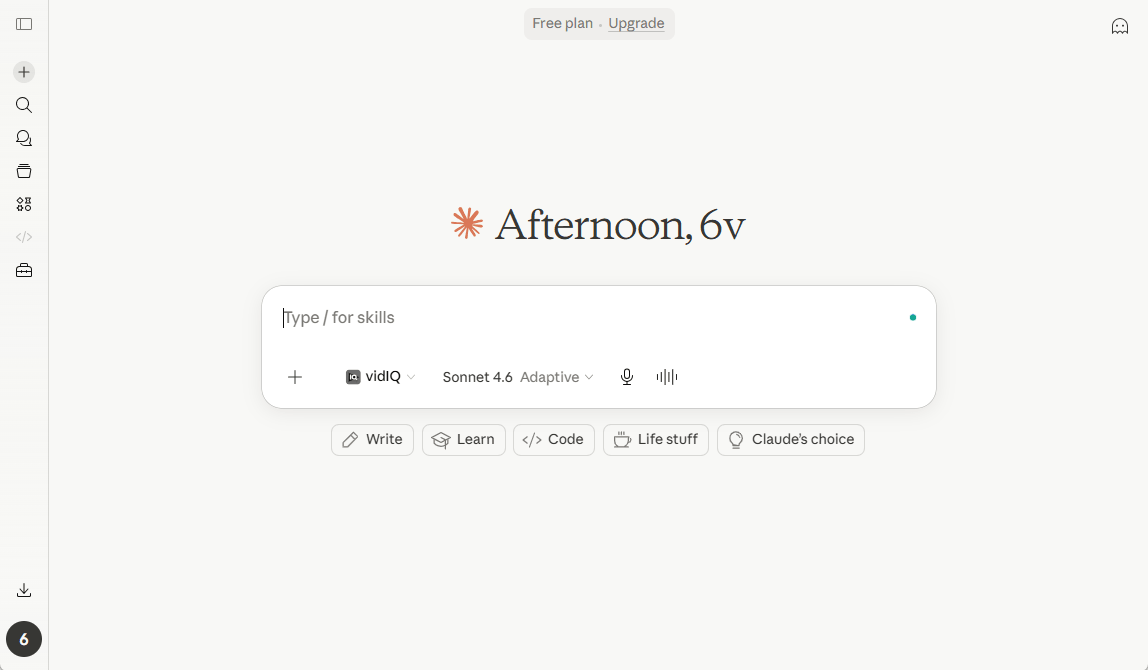
Claude handles significantly longer documents than ChatGPT and is notably better at nuanced, analytical writing. Its extended context window makes it a strong pick for students working with dense academic texts. It has multiple advanced language models such as Opus 4.7, Sonnet 4.6, and Hailu 4.5.
Key Features:
- Up to 200K token context window
- Strong at summarizing and analyzing long PDFs
- More careful reasoning on complex topics
- Less prone to confident-sounding hallucinations
Pricing: Free; Claude Pro at $19/month
Best For: Graduate students, research-heavy undergrads, and anyone working with long readings.
4. Notion AI - Best for Organizing Notes and Projects (Free)
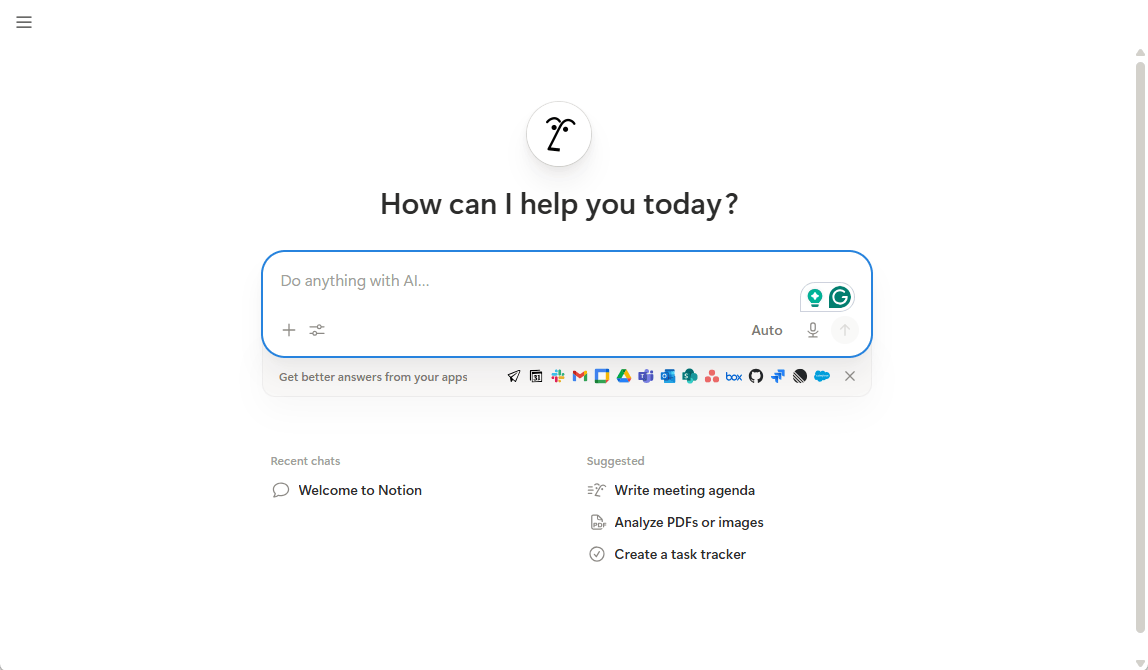
Notion AI sits inside one of the most popular productivity tools for students and adds AI-powered writing, summarization, and brainstorming directly into your workspace.
Key Features:
- AI writing and editing inside Notion pages
- Analyze PDFs or images
- Summarize meeting notes or lecture docs
- Auto-generate project plans and outlines
- Integration with databases and task lists
Pricing: Free with Notion; AI add-on at $10/month
Best For: Students who already use Notion and want AI baked into their workflow.
5. Grammarly - Best for Academic Writing and Editing
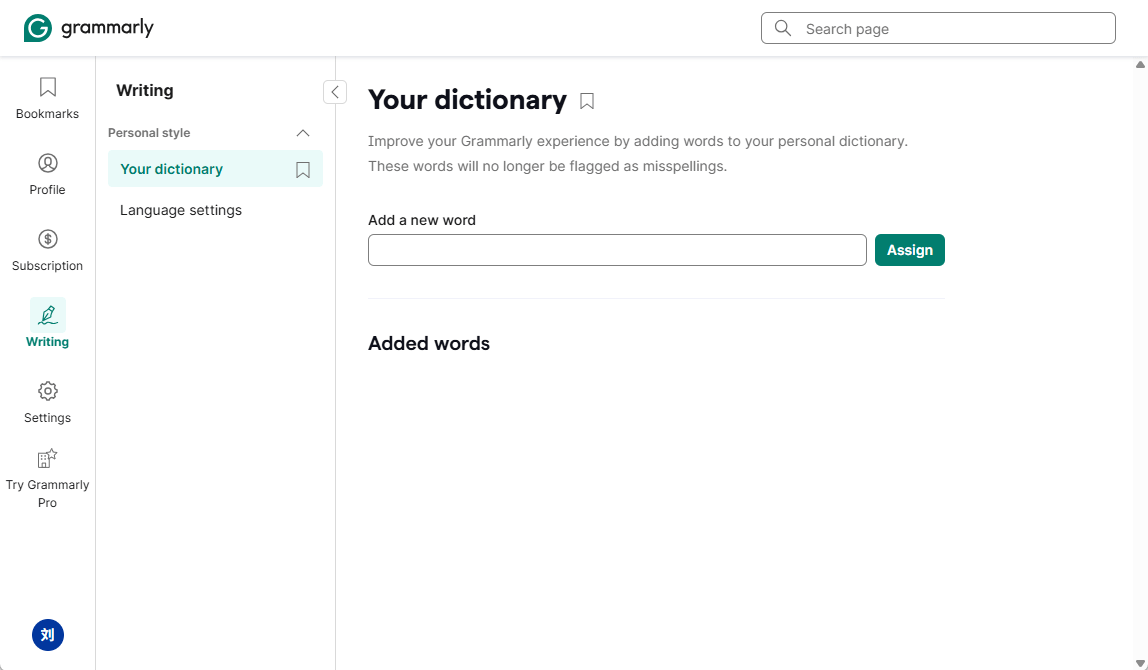
Grammarly has evolved well beyond basic spell checking. Its AI writing assistant now offers full sentence rewrites, tone adjustments, and clarity suggestions. It's essential for students who want polished, submission-ready writing.
Key Features:
- Advanced grammar and style correction
- Plagiarism detection (Premium)
- Tone and clarity suggestions
- Works across browsers, Google Docs, and Word
Pricing: Free; Premium start at $12/month
Best For: Students who write a lot of essays, reports, or emails and want real-time feedback.
6. Gemini - Best for Google Workspace Integration
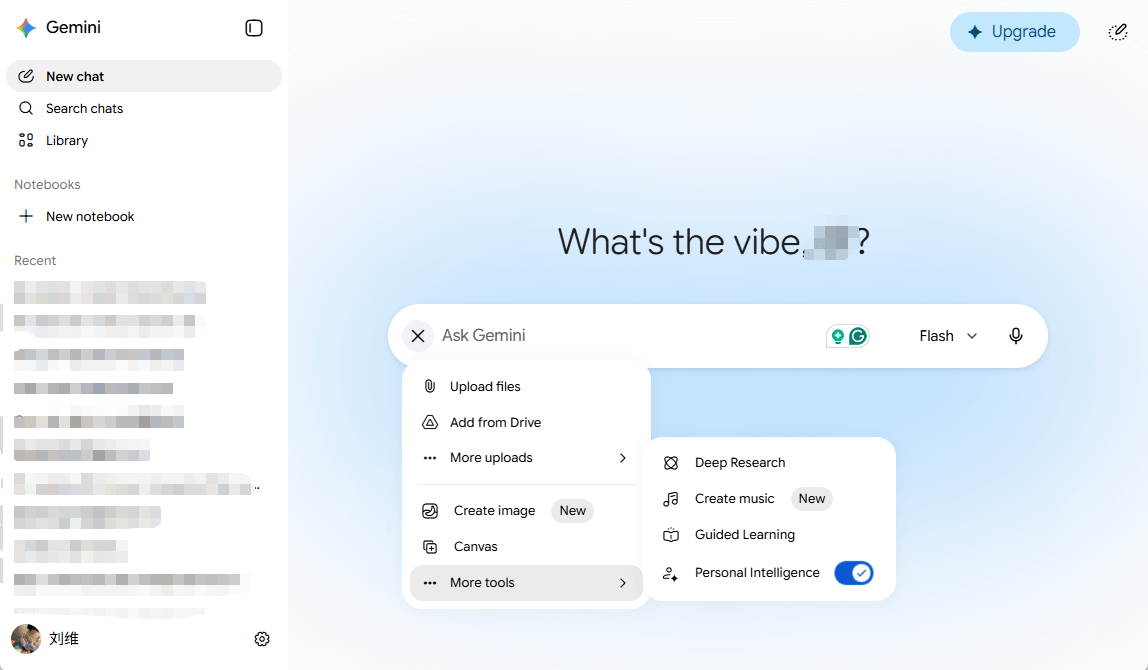
Gemini is Google's AI assistant, and for students deep in the Google ecosystem including Docs, Drive, Gmail, and Slides. It offers seamless AI integration that ChatGPT simply can't match. In 2026, it has key language models including 3.5 Flash, 3.1 Pro, and 3.1 Flash Lite.
Key Features:
- Native integration with Google Docs and Slides
- Multimodal inputs (text, images, files)
- Research assistance via Google Search
- Supports image and music creation
- Generate and edit content in real time
Pricing: Free; Gemini Advanced at $19.99/month
Best For: Students who live in Google Workspace and want AI built into their existing tools
7. SciSpace - Best for Academic Research and Paper Reading
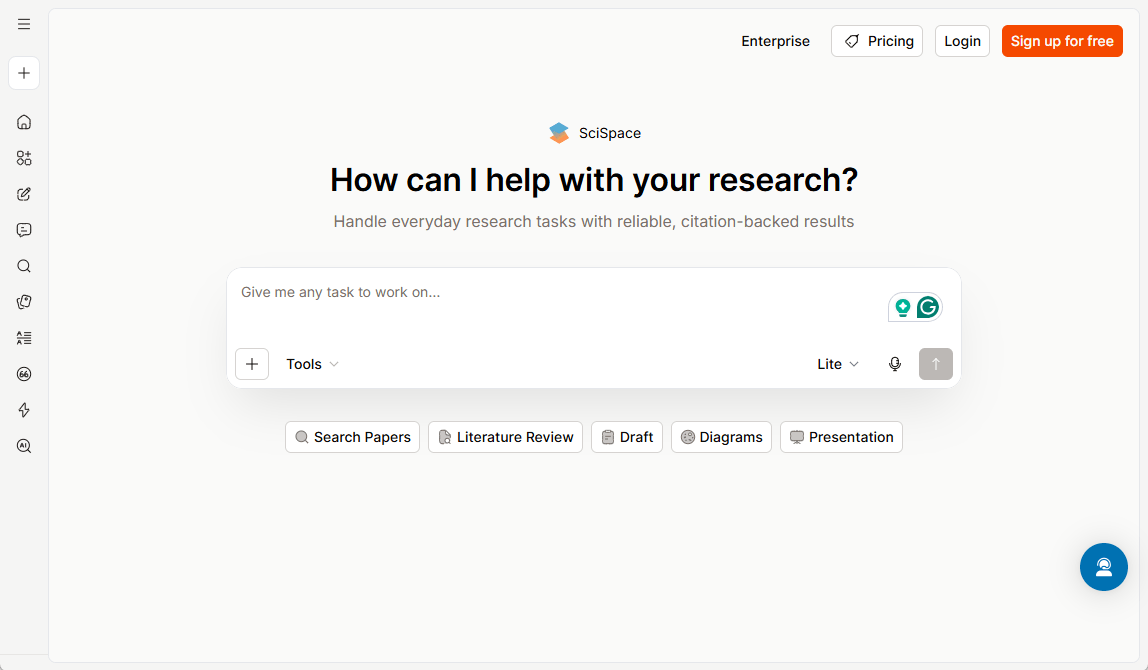
SciSpace (formerly Typeset) is purpose-built for students and researchers navigating scientific literature. It explains complex papers in plain language, answers questions about specific studies, and helps you write literature reviews. New users in 2026 can get 100 free credits.
Key Features:
- AI explanations of scientific papers
- Ask questions directly about uploaded papers
- Literature review assistant
- Access to a vast database of academic papers
Pricing: Free plan; Premium starts at $12/month
Best For: STEM students, researchers, and anyone writing a literature review or thesis.
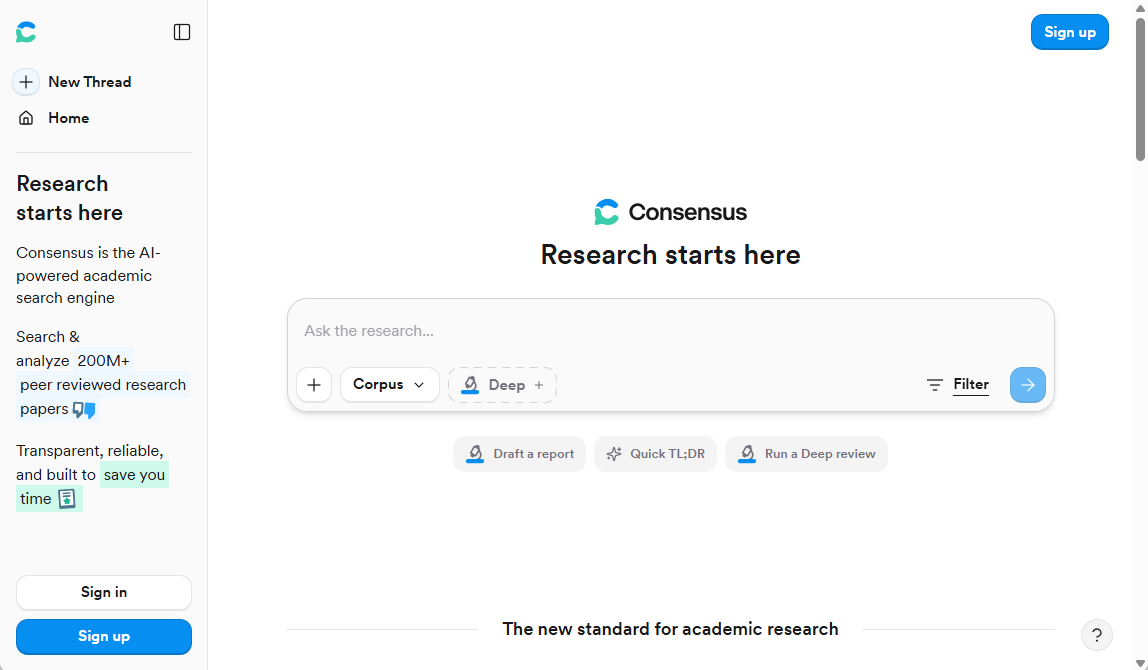
8. Consensus - Best for Evidence-Based Academic Research
Consensus searches peer-reviewed papers and distills scientific consensus on research questions. It's not making things up - it's pulling from actual studies, which makes it one of the most reliable AI homework assistants for research-heavy courses.
Key Features:
- AI search across peer-reviewed literature
- Consensus meter showing agreement across studies
- Citation-ready summaries
- Works for health, science, social science, and more
Pricing: Free; Premium at $11.99/month
Best For: Students who need trustworthy, citation-backed answers for academic papers
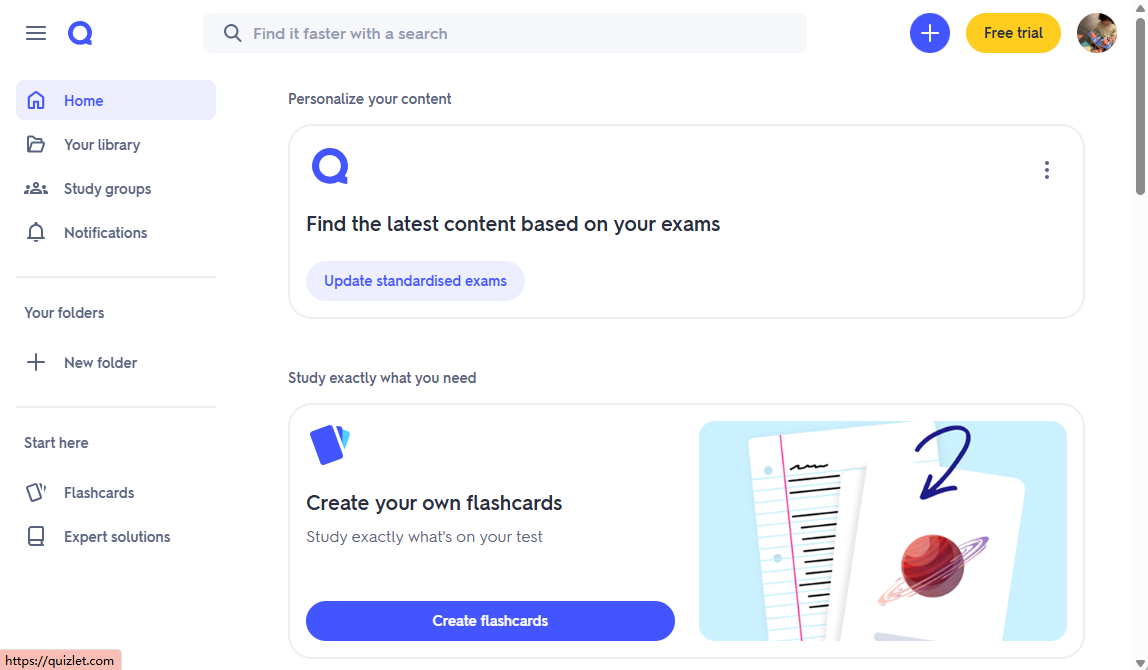
9. Quizlet AI - Best for Exam Preparation
Quizlet has been a student favorite for years, and its AI features now make studying for exams significantly more efficient. It generates practice questions, explains concepts, and adapts to your weak spots.
Key Features:
- AI-generated flashcards from your notes
- Adaptive practice tests
- Explain feature for difficult concepts
- Magic Notes converts class notes into study sets
Pricing: Free; Quizlet Plus at $7.99/month
Best For: Students preparing for exams who want smart, personalized practice
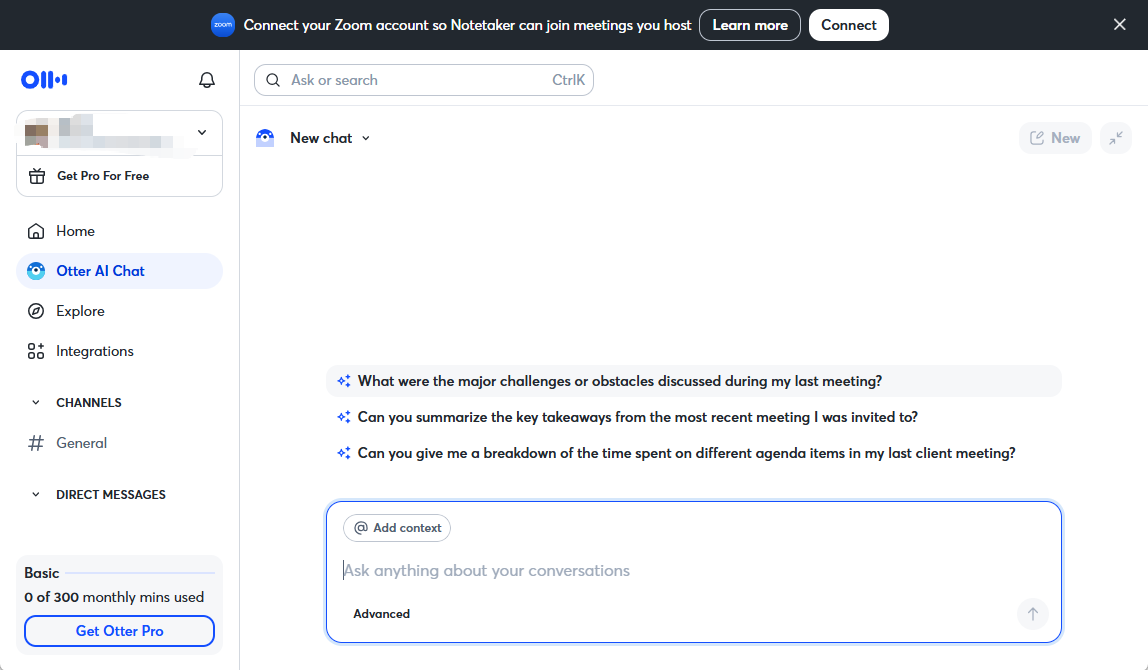
10. Otter.ai - Best for Lecture Notes and Meeting Transcription
Otter.ai automatically transcribes lectures, office hours, and study group sessions in real time. It also summarizes what was said, highlights key points, and lets you search your notes by keyword.
Key Features:
- Real-time transcription of lectures and meetings
- AI-generated summaries and action items
- Keyword search across all transcripts
- Syncs with Zoom, Google Meet, and Teams
Pricing: Free (limited minutes); Pro at $16.99/month
Best For: Students who struggle to take notes in fast-paced lectures or want a verbatim record of class discussions.
Real Student Use Cases: Which Tool Actually Helps
Writing a research paper? Start with Perplexity AI or Consensus to find real sources. Use Easedone AI or Claude to help structure your argument and write with depth. Run the final draft through Grammarly before submitting.
Cramming for an exam? Feed your lecture slides into Quizlet AI to auto-generate a study set. Use Easedone AI to create a study schedule across the days before your test.
Summarizing a dense 80-page reading? Claude's long context window handles this better than anything else. Upload the PDF, ask for a structured summary, and you'll have the key points in minutes.
Doing a lit review for a science paper? SciSpace and Consensus are genuinely indispensable here. Both pull from real academic databases and give you citable, trustworthy results.
Missed a lecture? Otter.ai will transcribe your professor's recording, summarize the key takeaways, and let you search for exactly the concept you need.
Managing semester-long projects? Notion AI and Easedone AI both shine at combining task management with AI-powered writing and note organization. If you want a dedicated student-first platform, Easedone AI is the stronger pick.
Comparison Table about ChatGPT Alternatives
| Tool | Best For | Free Plan | Main Advantage |
|---|---|---|---|
| Easedone AI | All-in-one study productivity | Yes | Purpose-built academic workflows |
| Perplexity AI | Research with live sources | Yes | Real-time sourced answers |
| Claude | Long documents and analysis | Yes | Handles long PDFs with nuance |
| Notion AI | Notes and project management | Yes | Integrated productivity workspace |
| Grammarly | Essay writing and editing | Yes | Real-time academic writing polish |
| Gemini | Google Workspace users | Yes | Native Google Docs integration |
| SciSpace | Scientific paper reading | Yes | Explains complex research simply |
| Quizlet AI | Exam prep and flashcards | Yes | Adaptive, AI-powered practice tests |
| Otter.ai | Lecture transcription | Yes | Real-time lecture notes |
| Consensus | Evidence-based research | Yes | Peer-reviewed source accuracy |
Bottom Line
ChatGPT is a capable starting point, but it wasn't built for the specific, high-stakes demands of academic life. The tools above were — or have evolved to handle them far more effectively.
For most students, the strongest combination is:
- Easedone AI as your home base for writing, study planning, and document work.
- Perplexity AI or Consensus when you need real, citable research.
- Grammarly for polishing every written submission.
- Quizlet AI when exams are approaching.
If you're on a tight budget, all of these have solid free tiers. Start with what solves your biggest pain point — whether that's unreliable citations, note organization, or exam prep -- and build from there.
Frequently Asked Questions
What is the best AI study tool for students?
The best AI study tool depends on your specific needs. For an all-in-one academic platform that handles writing, note organization, and study planning, Easedone AI is one of the strongest options available. For research with real citations, Perplexity AI and Consensus are top picks. For exam prep, Quizlet AI leads the pack.
What AI is better than ChatGPT for studying?
Several AI tools outperform ChatGPT for studying. Claude handles longer documents with more accuracy. Perplexity AI provides real-time sourced answers instead of generating potentially false information. SciSpace and Consensus are purpose-built for academic research. Easedone AI offers a complete academic workflow that ChatGPT simply doesn't.
Are free AI tools reliable enough for college students?
Many free AI tools are genuinely reliable for academic use - with caveats. Tools like Perplexity AI, Claude, and Consensus have strong free tiers suitable for most student tasks. The key is choosing tools that cite real sources rather than generating plausible-sounding ones. Always verify critical claims, especially for research papers.
Which AI tool is best for research papers?
For research papers, Consensus is exceptionally reliable because it pulls directly from peer-reviewed studies. SciSpace is excellent for understanding and analyzing scientific literature. Perplexity AI is strong for broader research topics with live web sourcing. Grammarly rounds out the stack for the final writing stage.
What is the best free ChatGPT alternative for students?
Perplexity AI and Claude are the strongest free ChatGPT alternatives for general student use. Perplexity wins on research accuracy and source transparency. Claude wins on handling long documents and nuanced writing tasks. Easedone AI is worth exploring for students who want a dedicated academic productivity platform rather than a general chatbot.
Do I need to pay for AI study tools to get good results?
Not necessarily. Most tools on this list have free tiers that cover a meaningful range of academic tasks. Paid plans typically unlock higher usage limits, more advanced features, or priority access during peak times. For most undergraduates, starting with free plans across two or three tools covers the majority of needs. You can upgrade the one that becomes genuinely indispensable.